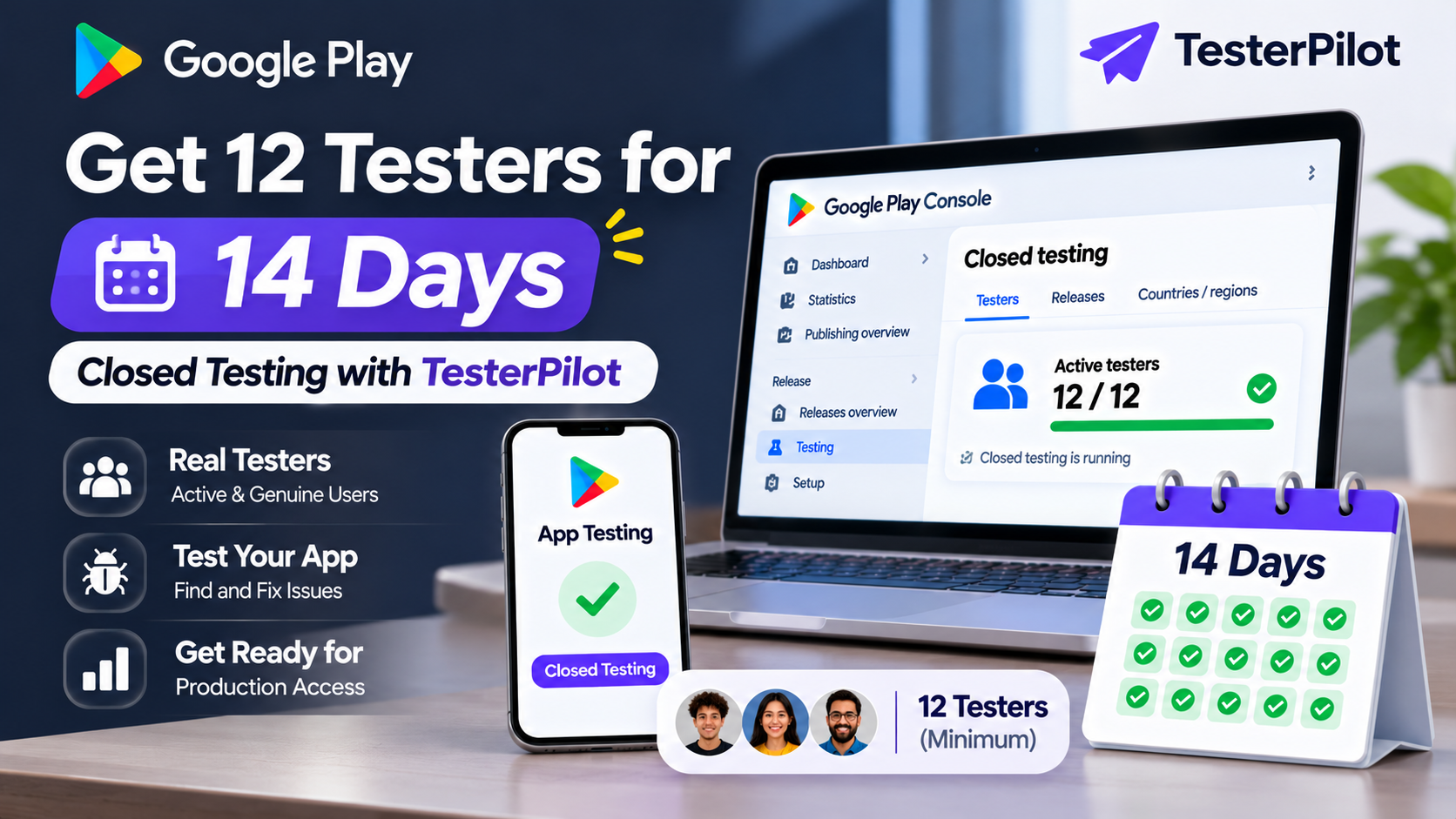
Get 12 Testers for 14 Days Closed Testing with TesterPilot
Are you looking to "get 12 testers for 14 days closed testing" before publishing your Android app on Google Play? If you have a new personal Google Play developer account, completing the closed testing requirement is an important step toward applying for production access.
Finding enough testers, sharing testing instructions, managing opt-ins, and collecting feedback can take time—especially if you are publishing your first Android application.
That's where TesterPilot can help.
TesterPilot helps Android developers organize their Google Play closed testing process by providing tester coordination and testing support. In this guide, you will learn how the 12 testers for 14 days requirement works, how the testing process is organized, what to prepare before starting, and how to get started with TesterPilot.
What Is the 12 Testers for 14 Days Requirement?
Google Play introduced specific testing requirements for personal developer accounts created after November 13, 2023.
According to Google's official documentation, eligible developers must complete a closed test with at least 12 testers who remain opted in continuously for at least 14 days before applying for production access.
Here is a quick overview:
Requirement --- Details
Tester count --- At least 12 testers
Testing track --- Closed testing
Opt-in duration --- At least 14 consecutive days
Account eligibility --- Personal accounts created after November 13, 2023
Next step --- Apply for production access
Final decision --- Reviewed by Google
The requirement means that having 12 email addresses on your tester list is not enough. At least 12 testers must remain opted in continuously for the required period.
If a tester opts out and later opts back in, the interrupted period does not count as continuous participation for that tester.
After completing the requirement, you can apply for production access through Google Play Console. Google may also consider tester engagement and your app's readiness.
Official Google reference: App testing requirements for new personal developer accounts
Why Do Developers Need 12 Testers for Google Play?
Many first-time Android developers face difficulties when preparing their applications for Google Play production access.
Some common challenges include:
1. Finding enough testers
You may have developed a great Android application, but finding 12 suitable people willing to participate in a closed test can be difficult.
2. Managing tester invitations
Developers need to configure their testing track, manage tester access, and share the correct opt-in instructions.
3. Monitoring the testing period
The required testers must remain opted in continuously for at least 14 days. Developers need to monitor participation and address problems if someone leaves the test.
Read our blog article for more knowledge based
4. Collecting useful feedback
Google encourages developers to give testers clear instructions, explain what feedback is needed, and provide a suitable feedback channel.
5. Understanding production access
Completing the minimum testing requirement is not the same as receiving production access. Developers must submit an application and explain their testing process, app, and production readiness.
A well-organized testing process can make these responsibilities easier to manage.
Get 12 Testers for 14 Days Closed Testing with TesterPilot
If you need help organizing your Google Play closed testing process, TesterPilot is designed to support Android developers who need tester coordination and testing assistance.
Instead of managing every part of the coordination process alone, you can explore TesterPilot's available service packages and choose an option that matches your app and requirements.
What can you expect from a testing service?
Depending on the package and agreed service scope, testing support may include:
- Coordination of the required tester group.
- Guidance for joining the Google Play closed test.
- Assistance with opt-in and installation instructions.
- Communication during the testing period.
- Feedback collection and organization.
- Support with understanding the testing workflow.
Before placing an order, review the current package details to confirm exactly which services are included.
Why consider TesterPilot?
- Organized tester coordination
A structured process can help developers manage tester participation without having to organize every communication individually.
- Clear testing instructions
Testers need to understand how to access the closed test and where to provide feedback.
- Support during testing
Clear communication can help resolve common questions and participation issues.
- Developer-focused service
TesterPilot focuses on helping Android developers organize the closed testing process as part of their app publishing preparation.
- Transparent expectations
The goal is to support genuine testing and help developers understand the process—not promise an outcome that only Google can decide.
Explore the available options at:
Visit TesterPilot.com
How Does the TesterPilot Closed Testing Process Work?
The following is a general workflow for organizing a closed test. Confirm the exact steps and responsibilities included in your selected TesterPilot package before starting.
Step 1: Prepare your Android application
Before starting, make sure your app is ready for testing.
Check that:
- The main features work correctly.
- Important screens load properly.
- Registration and login work, if applicable.
- Known critical bugs have been addressed.
- The app is ready to be distributed through Google Play Console.
A stable application helps testers provide more useful feedback.
Step 2: Set up your Google Play closed testing track
- Sign in to Google Play Console and select your application.
- Navigate to the closed testing section and configure your testing track.
- Prepare your release and select how testers will receive access.
- Google supports tester management through email lists and Google Groups.
- Official setup instructions: Set up an open, closed, or internal test
Step 3: Organize your tester group
Once your testing track is ready, coordinate the participants and provide the correct instructions.
Testers need to understand how to:
- Join the required Google Group, if applicable.
- Open the testing opt-in link.
- Opt into the closed test.
- Access the app through Google Play.
- Report problems or feedback.
If you are using a Google Group, participants must join the group before opting into the test.
Step 4: Begin the testing period
After the testing release is available and participants have successfully opted in, monitor the testing process.
For eligible accounts, at least 12 testers must remain continuously opted in for the required 14-day period.
Do not assume that sending invitations means the testing requirement has been completed.
Step 5: Encourage genuine app testing
Testers should explore relevant features and provide honest feedback.
For example, they may evaluate:
- App navigation.
- Registration and login.
- Main application features.
- Performance and stability.
- Error messages.
- Overall user experience.
Keep a record of feedback and improvements made during the testing period.
Step 6: Review your testing results
Before applying for production access, review the testing feedback and address important issues.
Google recommends keeping a record of feedback and summarizing it when applying for production access.
Step 7: Apply for production access
Once the applicable requirements are satisfied, open your Google Play Console Dashboard and select the production access application option.
Answer Google's questions accurately about your closed test, application, and production readiness.
Google reviews the application and may request additional testing.
Read our recent article
How to Get 12 Testers for Google Play Closed Testing (2026)
Google Play Closed Testing Opt-In Link Not Working? Fix It
Minimum Testers for Google Play Closed Testing: Complete Guide
What Is the 14-Day Closed Testing Requirement?
How to Get 12 Testers for Google Play Closed Testing
How to Find Testers for Google Play Closed Testing
What Should You Prepare Before Ordering a 12 Testers Service?
Preparing your application before starting can help make the testing process more organized.
Here is a practical checklist.
Preparation ----- Why it matters
Google Play Console account ----- Required to manage your app and testing track
Android App Bundle (AAB) ----- Used to prepare your testing release
App name and package name ----- Identifies your application
Published closed testing release ----- Makes the test available to eligible participants
Tester access configuration ----- Allows the correct participants to join
Opt-in link ----- Helps testers access the test
Feedback channel ----- Allows testers to report problems
Stable app version ----- Provides a better testing experience
If you are unsure how to configure your testing track, review Google's official setup documentation before beginning.
How Much Does It Cost to Get 12 Testers for 14 Days?
The cost of a Google Play closed testing service depends on the provider and the services included.
Factors that can influence pricing include:
- Number of testers.
- Tester coordination.
- Duration of support.
- Feedback collection.
- Communication arrangements.
- Additional technical assistance.
When comparing packages, look beyond the price.
Check whether the service includes tester coordination, how participation is handled, what happens if a participant opts out, and whether additional charges apply.
You can visit TesterPilot.com to review the currently available packages and pricing.
Why Choose a Dedicated Closed Testing Service Instead of Managing Everything Yourself?
You can recruit testers yourself and manage your closed test through Google Play Console. A paid service is optional.
However, some developers prefer additional coordination support.
Managing testing yourself ----- Using a testing service
You recruit participants ----- The provider may assist with tester coordination
You organize communications ----- The provider may offer structured communication
You manage testing instructions ----- You may receive guidance and support
You collect feedback yourself ----- Feedback support may be included
You manage the entire workflow ----- Some coordination tasks may be supported
The right choice depends on your budget, experience, available time, and testing needs.
A testing service should complement your own responsibilities as an app developer.
Important: Does Getting 12 Testers Guarantee Google Play Approval?
No.
Completing the 12-testers and 14-days requirement does not guarantee production access.
Google reviews the application and may consider:
- Tester participation and engagement.
- Feedback collected during testing.
- Issues identified and improvements made.
- App functionality and stability.
- Compliance with Google Play policies.
- Your app's readiness for production.
Google may require additional testing if the tester count or engagement is insufficient.
A third-party service can help coordinate testing, but it cannot control Google's review process or guarantee approval.
Be careful with any provider claiming guaranteed production access, instant approval, or a way to bypass Google Play requirements.
5 Step to active your app testing with TesterPilot
Step 01: Create an account
Step 02: From TesterPilot Dashboard click "Create App"
Step 03: Submit information
Required information
- App Name
- App icons
- Closed Testing URL
- Tester Setup ( if don't understand click view guide to see proper guide to setup testers)
Step 04: By select packages that you need then pay via stripe getway and submit
Step 05: Pending order now just wait few time admin will verify and active order as soon as possible maybe less then 6 hours. Tester will active testing soon.
Frequently Asked Questions
1. How can I get 12 testers for 14 days closed testing?
You can recruit suitable testers through your network, developer communities, or a testing service. Configure your Google Play closed testing track, share the correct opt-in instructions, and ensure at least 12 eligible testers remain continuously opted in for 14 days if the requirement applies to your account.
2. Is the 12 testers requirement applicable to every Google Play account?
No. Google's specific requirement applies to eligible personal developer accounts created after November 13, 2023. Check your account type and Play Console Dashboard to understand which requirements apply.
3. Can TesterPilot help me organize 12 testers?
You can explore TesterPilot's available closed testing services at [TesterPilot.com](https://testerpilot.com/). Review the current package details to confirm the tester coordination and support included.
4. Do testers need to remain opted in for all 14 days?
Yes. For the applicable requirement, at least 12 testers must remain continuously opted in for at least 14 consecutive days.
5. What happens if one tester opts out?
That tester's continuous opt-in period is interrupted. If they opt back in later, a new consecutive period is needed for that tester to meet the requirement. Monitor participation so that the required number of testers remains eligible.
6. Do testers need to provide feedback?
Google recommends giving testers clear instructions and encouraging them to explore the app and report bugs. Feedback also helps developers identify problems and prepare their production access application.
7. Does TesterPilot guarantee production access?
No third-party testing provider can guarantee Google's production access decision. TesterPilot's role is to provide the support described in its service packages. Google remains responsible for reviewing and approving production access applications.
8. Can I use my own testers instead of a paid service?
Yes. You can recruit your own participants and manage the closed testing process through Google Play Console. A paid testing service is optional.
9. What happens after the 14-day testing period?
Once you meet the applicable requirements, you can apply for production access through Google Play Console. You will need to answer questions about your testing process, app, and production readiness.
10. Where can I order a Google Play closed testing service?
Visit TesterPilot.com to explore the available packages and review the current service details before ordering.
Start Your Google Play Closed Testing with TesterPilot
Preparing your Android app for Google Play production access can be challenging, especially if you are a first-time developer without an established tester community.
Finding participants, managing opt-ins, organizing feedback, and monitoring the testing period all require planning.
TesterPilot provides a starting point for developers looking for Google Play closed testing support.
If you need help organizing your testing workflow, visit the website and review the available service packages.
Website: testerpilot.com
Prepare your app, understand Google's requirements, and focus on collecting meaningful feedback throughout the testing process.
Final Thoughts
Getting 12 testers for 14 days of Google Play closed testing is an important step for eligible new personal developer accounts preparing to apply for production access.
However, successful testing involves more than meeting a numerical requirement. Developers should prepare stable apps, provide clear instructions, monitor continuous opt-in, collect genuine feedback, and address important problems before release.
If you need help organizing the process, explore the available services at TesterPilot.com
Choose a testing approach that fits your project, follow Google's official guidance, and remember that production access is always subject to Google's review.