Google Play Closed Test Participants: How to Find and Manage Testers
Finding reliable Google Play closed test participants is an important step for Android developers preparing to publish an app on Google Play. A successful closed testing process requires more than simply collecting tester emails. Developers need participants who can join the testing program, install the application, remain opted in, and provide useful feedback.
If you have a new Android application and need to complete Google Play's closed testing requirements, understanding how participants work can help you organize the process more effectively.
In this guide, we'll explain what Google Play closed test participants are, how many testers you may need, where to find them, how they join a testing program, and how to manage participation throughout the testing period.
What Are Google Play Closed Test Participants?
Google Play closed test participants are people invited to test an Android application before it becomes publicly available on Google Play.
Unlike an open test, a closed test is limited to selected participants. Developers control access through email lists or Google Groups configured in Google Play Console.
Participants can help developers:
Install and explore the application.
Test important app features.
Identify usability problems.
Report bugs and unexpected behavior.
Provide feedback about the user experience.
Help developers evaluate app stability before public release.
Closed testing gives developers an opportunity to improve their applications using feedback from a selected group of users.
How Many Participants Are Required for Google Play Closed Testing?
The required number depends on the developer account and Google's current policies.
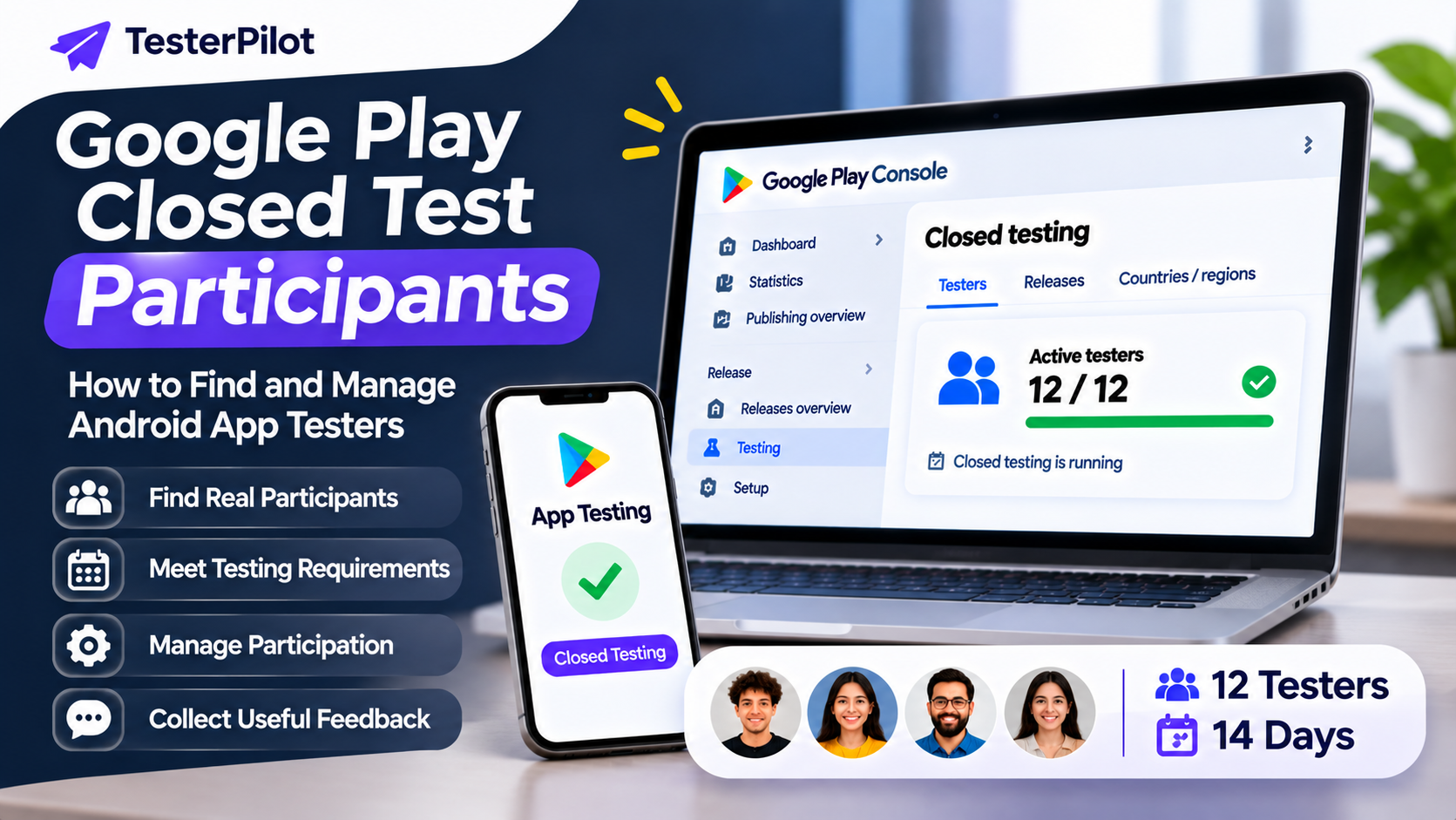
For eligible personal developer accounts created after November 13, 2023, Google requires developers to run a closed test with at least 12 testers continuously opted in for at least 14 days before applying for production access.
This means:
At least 12 testers must opt in to the closed test.
They must remain continuously opted in for at least 14 days.
Developers can apply for production access after meeting the requirement.
Google may review the testing process and ask additional questions.
Remember that meeting the minimum participant requirement does not automatically guarantee production access. Google makes the final decision.
You can read the official requirements here:
Google Play: Apply for production access
Where Can You Find Google Play Closed Test Participants?
Finding participants can be challenging, especially if you are an independent developer without an existing testing community.
Read more
Google Play Closed Testing Package: What to Look For
How to Get 12 Testers for Google Play Closed Testing (2026)
Google Play Closed Testing: Complete Guide
Why Does Google Play Require 12 Testers?
Here are some common ways to find people for your closed test.
1. Friends and Personal Networks
Start with people you already know. Friends, colleagues, classmates, and other contacts may be willing to participate.
Explain what your application does and provide clear instructions for joining the test.
2. Android Developer Communities
Developer communities can be useful places to connect with people who understand app testing.
You can look for relevant groups on:
Facebook developer communities.
Reddit Android development communities.
Online programming forums.
Android development discussion groups.
Local developer communities.
Follow each community's rules before sharing a testing invitation.
3. Social Media Groups
Facebook and other social platforms have communities where developers discuss Android apps and testing.
When posting a testing invitation, explain:
What your application does.
Who would benefit from testing it.
What participants need to do.
How long the testing period lasts.
How participants can share feedback.
Avoid posting repetitive promotional messages or collecting participants without explaining the testing expectations.
4. Existing App Users
If you already have users or an audience, consider inviting interested people to participate in your closed test.
People familiar with your app's purpose may provide useful feedback about its features and usability.
5. Professional Testing Services
Some developers prefer to work with a testing provider instead of organizing every participant independently.
A testing service may help coordinate participants, share installation instructions, and provide support during the testing period.
Before choosing a provider, confirm the participant count, testing duration, participation arrangements, and whether feedback is included.
You can explore closed testing assistance at TesterPilot.
What Do Closed Test Participants Need to Do?
Joining a closed test is relatively straightforward, but participants need to follow the correct steps.
Step 1: Receive an Invitation
The developer shares an invitation through an eligible email list or Google Group.
Step 2: Open the Testing Link
Participants open the official Google Play testing link provided by the developer.
Step 3: Join the Testing Program
They follow the instructions on the testing page and opt in to the closed test.
Step 4: Install the Application
After joining, participants can access the application through Google Play and install it on a compatible Android device.
Step 5: Explore the App
Participants should use the app naturally and explore its important features.
Step 6: Provide Feedback
They can report bugs, confusing screens, crashes, or other problems through the feedback method provided by the developer.
How to Manage Google Play Closed Test Participants
Recruiting participants is only one part of the process. Developers also need to manage the testing program carefully.
Monitor Opt-In Status
Check your testing track and available testing information in Google Play Console. Make sure participants have joined the correct closed testing program.
Provide Clear Instructions
Share simple instructions explaining how to join, install, and access the application.
Communicate During Testing
Keep participants informed about important updates, testing expectations, and feedback channels.
Monitor App Performance
Use appropriate testing and crash-reporting tools to identify problems. Review feedback and address important issues.
Track the Testing Period
For eligible accounts, remember that the required 14 days refers to continuous opt-in participation. Organize your testing schedule accordingly.
Common Mistakes When Recruiting Closed Test Participants
Some developers experience testing problems because they focus only on the number of people invited.
Avoid these common mistakes:
| Mistake | Better approach |
|---|---|
| Inviting people without clear instructions | Provide a simple joining guide |
| Assuming invitations mean opt-ins | Verify participation in Play Console |
| Ignoring participant communication | Share updates and answer questions |
| Choosing participants without considering the app | Invite relevant Android users |
| Ignoring feedback | Review and address reported problems |
| Expecting guaranteed production access | Follow Google's full review process |
How to Choose a Reliable Google Play Closed Testing Service
If you need external assistance, evaluate providers carefully before purchasing a service.
Consider these factors:
Participant availability: Confirm how many participants the provider can organize.
Testing duration: Check whether support covers the required testing period.
Installation guidance: Ask whether participants receive instructions.
Communication: Make sure you can contact the provider during testing.
Feedback: Confirm whether the service includes useful app feedback.
Transparency: Avoid unrealistic promises about guaranteed production approval.
A reliable provider should clearly explain its process and limitations.
Get Help Organizing Closed Test Participants with TesterPilot
Need assistance arranging participants for your Android application's closed testing?
TesterPilot provides Google Play closed testing assistance for developers who need help organizing testers and coordinating the testing process.
Before choosing a service, review its available package details and confirm that the participant count, testing duration, and support match your requirements.
Whether you are publishing your first Android application or managing multiple apps, an organized testing process can make the experience easier to manage.
Important: No third-party provider can guarantee Google Play production access. Developers remain responsible for complying with Google Play policies and submitting their own production access applications.
Frequently Asked Questions
1. What are Google Play closed test participants?
They are selected users who join a developer's closed testing program to install, explore, and provide feedback about an Android application before its public release.
2. Do closed test participants need Android devices?
Participants generally need compatible Android devices to install and test the Android application through Google Play.
3. Do I need 12 closed test participants?
Eligible personal developer accounts created after November 13, 2023, need at least 12 testers continuously opted in for at least 14 days before applying for production access.
4. Can I invite friends as closed test participants?
Yes. You can invite friends, colleagues, or other interested Android users, provided they meet the testing requirements and can participate throughout the required period.
5. Can participants leave the closed testing program?
Yes, participants can leave. However, for the eligible 12-testers requirement, the minimum number must remain continuously opted in for at least 14 days. A participant leaving may affect whether the requirement is maintained.
6. Do closed test participants need to provide feedback?
Google encourages developers to collect and consider feedback during testing. Useful feedback can help improve app quality and inform the production access application.
7. Can a testing service provide closed test participants?
Some providers offer assistance organizing participants and coordinating testing. Check their actual service inclusions and make sure their process follows Google Play policies.
8. Does having 12 participants guarantee production access?
No. Meeting the minimum testing requirement allows eligible developers to apply for production access, but Google reviews the application and makes the final decision.
Final Thoughts
Finding and managing Google Play closed test participants is an important part of preparing an Android application for production.
Developers should focus on genuine participation, clear communication, useful feedback, and compliance with Google Play requirements rather than simply collecting a list of email addresses.
You can organize your own participants through personal networks and developer communities or explore professional testing assistance from providers such as TesterPilot.
A well-organized testing process helps you understand your application's real-world performance and prepare for the next stage of publishing.