Google Play Closed Testing Package: What Should Developers Look For?
Publishing an Android app on Google Play is an important milestone for every app developer. However, before some developers can apply for production access, Google requires them to complete a closed testing process. This is why many developers search for a reliable Google Play closed testing package that can help them organize and manage the testing stage.
Choosing the right package is important. A suitable service should provide genuine testing participation, clear instructions, communication, and support throughout the testing period. But not every package offers the same level of service.
In this guide, we’ll explain what a Google Play closed testing package is, what it should include, how much it may cost, and how to choose a suitable testing provider for your Android application.
What Is a Google Play Closed Testing Package?
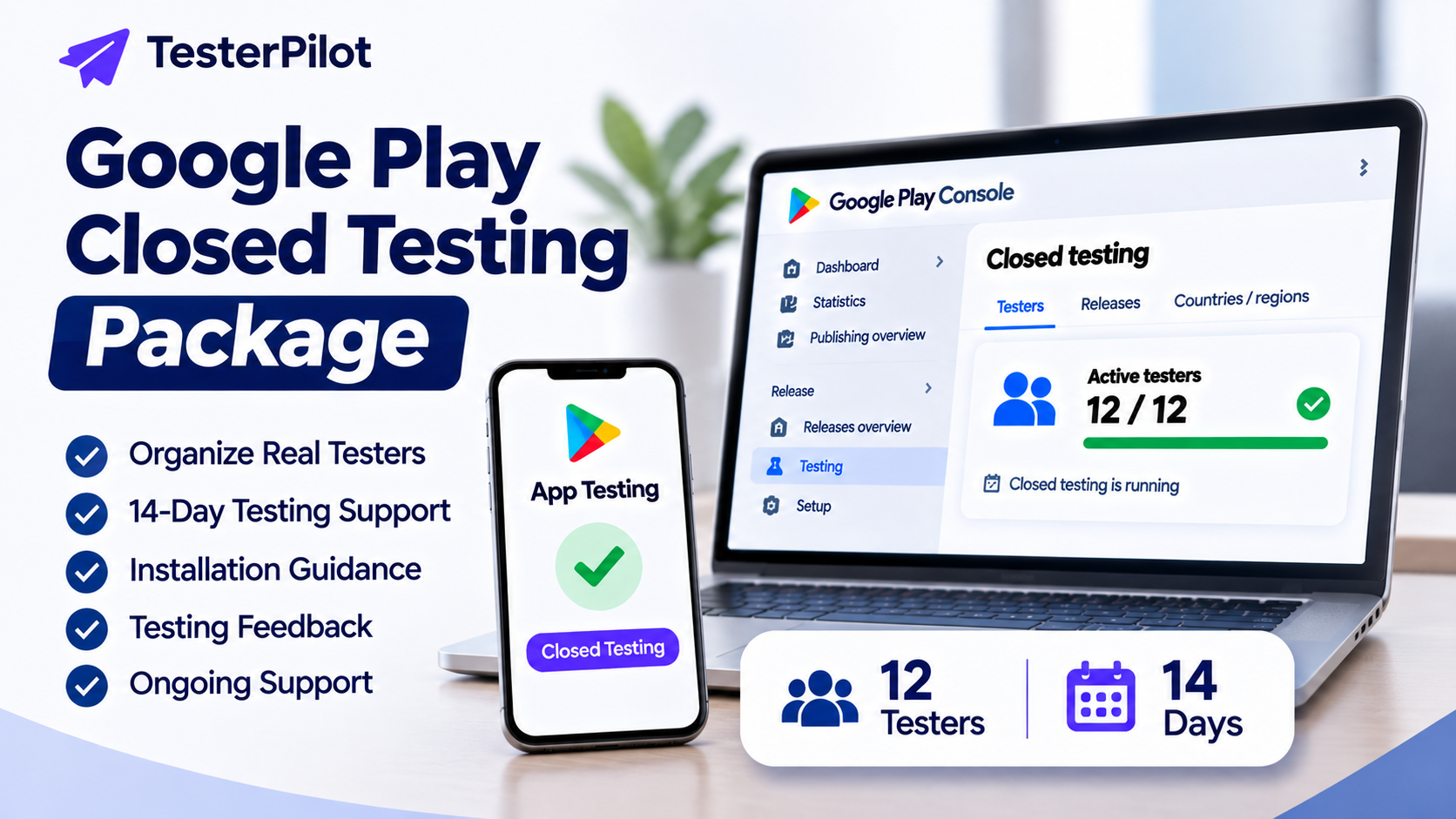
A Google Play closed testing package is a service offered by a testing provider to help Android developers arrange testers for their app's closed testing process.
Depending on the provider, a package may include:
A group of testers who join the closed testing program.
Guidance for joining the testing track.
Instructions for installing the application.
Testing-period coordination.
Communication and support during the testing period.
Basic feedback about the app experience.
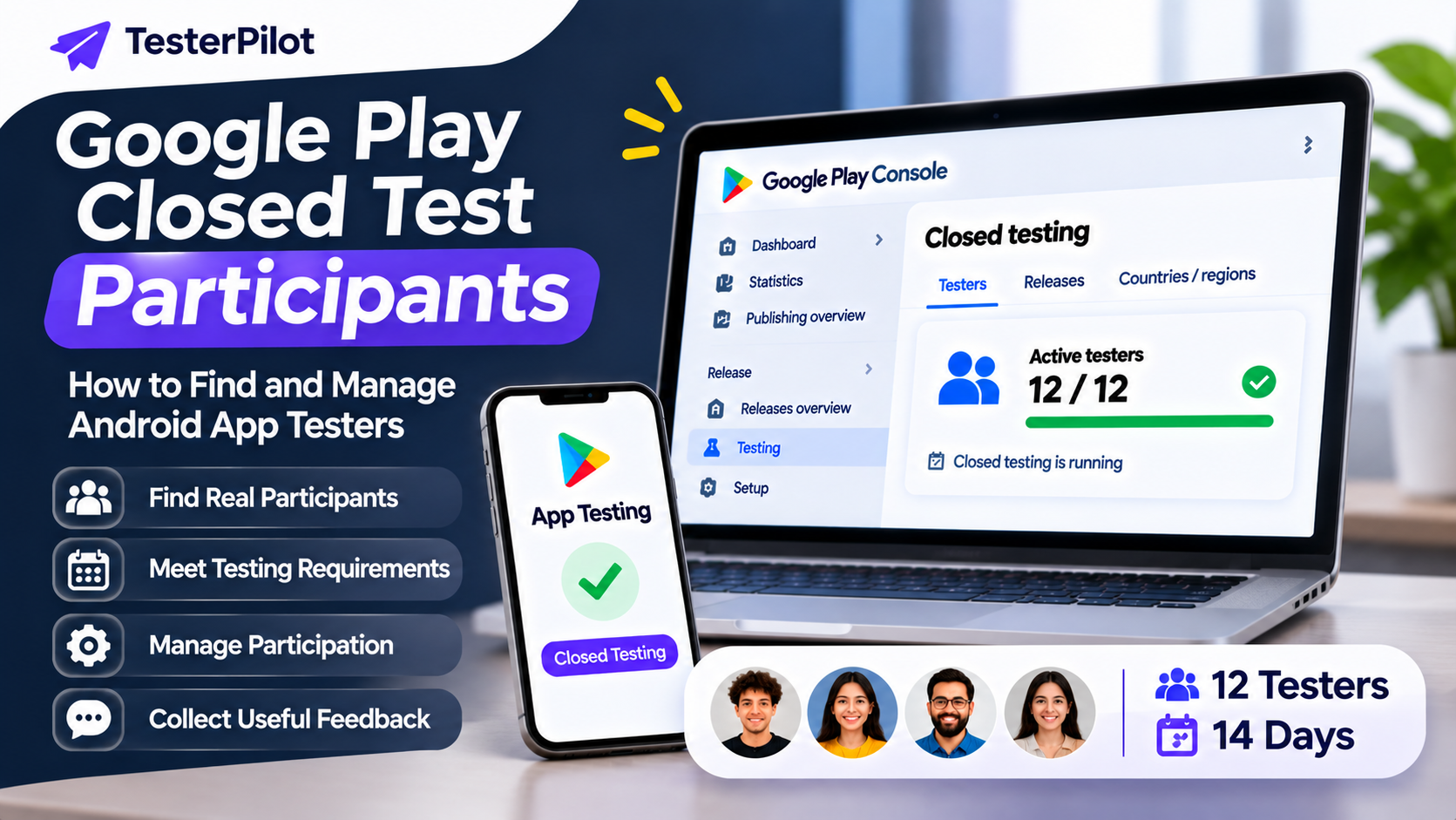
Some providers offer packages designed around Google's 12-testers and 14-days requirement for eligible personal developer accounts.
However, developers should understand that purchasing a package does not guarantee Google Play production access. Google makes the final decision after reviewing the developer's application and testing information.
Who Needs a Google Play Closed Testing Package?
A closed testing package may be useful for developers who:
Have a new personal Google Play developer account.
Need help organizing the required number of testers.
Do not have an established Android testing community.
Want assistance coordinating a 14-day testing period.
Need a structured process for managing tester participation.
Google's specific testing requirement applies to certain personal developer accounts created after November 13, 2023. These accounts must run a closed test with at least 12 testers continuously opted in for at least 14 days before applying for production access.
Always check the latest requirements in the official Google Play Console documentation because requirements can change.
What Should a Good Google Play Closed Testing Package Include?
Before purchasing any testing service, review what is actually included. A professional provider should explain its package details clearly.
1. Tester Availability
The package should clearly state how many testers are included. If you need to meet the 12-testers requirement, confirm that the provider can help you organize at least 12 eligible participants.
Ask whether testers use their own Google accounts and Android devices and whether they can follow the testing instructions.
2. 14-Day Testing Period Support
For eligible accounts, Google requires at least 12 testers to remain continuously opted in for at least 14 days.
A suitable service should explain how it coordinates participation throughout this period. Ask how it handles testers who leave the testing program or stop participating.
3. Installation Guidance
Testers need to access the correct testing track and install the app through the official Google Play testing link.
A package should include clear instructions to help testers join the testing program and install the application correctly.
4. Communication and Support
Good communication can make the testing process easier. Before ordering, check whether the provider offers support if testers have difficulty joining the test or installing the app.
5. Testing Feedback
Useful feedback can help developers identify usability issues, confusing screens, navigation problems, and other app improvements.
Ask whether the package includes actual feedback or only tester participation. These are different services.
Types of Google Play Closed Testing Packages
Testing providers may offer different packages depending on the number of testers and level of support.
Here is an example of how packages can be structured. These are illustrative package types, not fixed industry prices or guaranteed service inclusions.
| Package type | Typical purpose |
|---|---|
| Basic Testing | Assistance arranging a small testing group |
| 12-Testers Package | Support for developers working toward the 12-tester requirement |
| 14-Day Testing Support | Coordination throughout the required testing period |
| Testing Plus Feedback | Tester coordination with additional feedback |
| Custom Testing | A tailored arrangement for specific app requirements |
Before ordering, compare the number of testers, duration, communication, replacement policy, and feedback included in each package.
How Much Does a Google Play Closed Testing Package Cost?
The cost depends on several factors, including the number of testers, testing duration, provider experience, and additional support.
Some providers offer lower-cost basic packages, while others charge more for coordinated testing and additional feedback.
Instead of choosing a provider based only on price, consider the overall value.
Ask these questions before paying:
How many testers are included?
Is the 14-day period included in the service?
Are testers using their own Google accounts?
What happens if a tester leaves?
Is support available during the testing period?
Is feedback included?
Are there any additional charges?
A transparent package should explain its price and limitations before you place an order.
How to Choose the Right Closed Testing Provider
Choosing a provider requires more than comparing prices. Consider these important factors:
Check Previous Experience
Look for providers with relevant experience helping Android developers organize closed testing. Reviews, service history, and clear communication can help you evaluate their credibility.
Understand the Service Details
Avoid packages with vague descriptions. A provider should clearly explain the number of testers, testing duration, support, and any additional services.
Avoid Production Access Guarantees
No third-party testing provider can guarantee that Google will approve production access. Be cautious of services promising guaranteed approval.
Confirm Genuine Participation
Choose a service that focuses on genuine testing participation and useful feedback rather than simply promising a particular result.
Review Support Availability
A provider should be able to explain how you can get help if testers experience problems during the testing process.
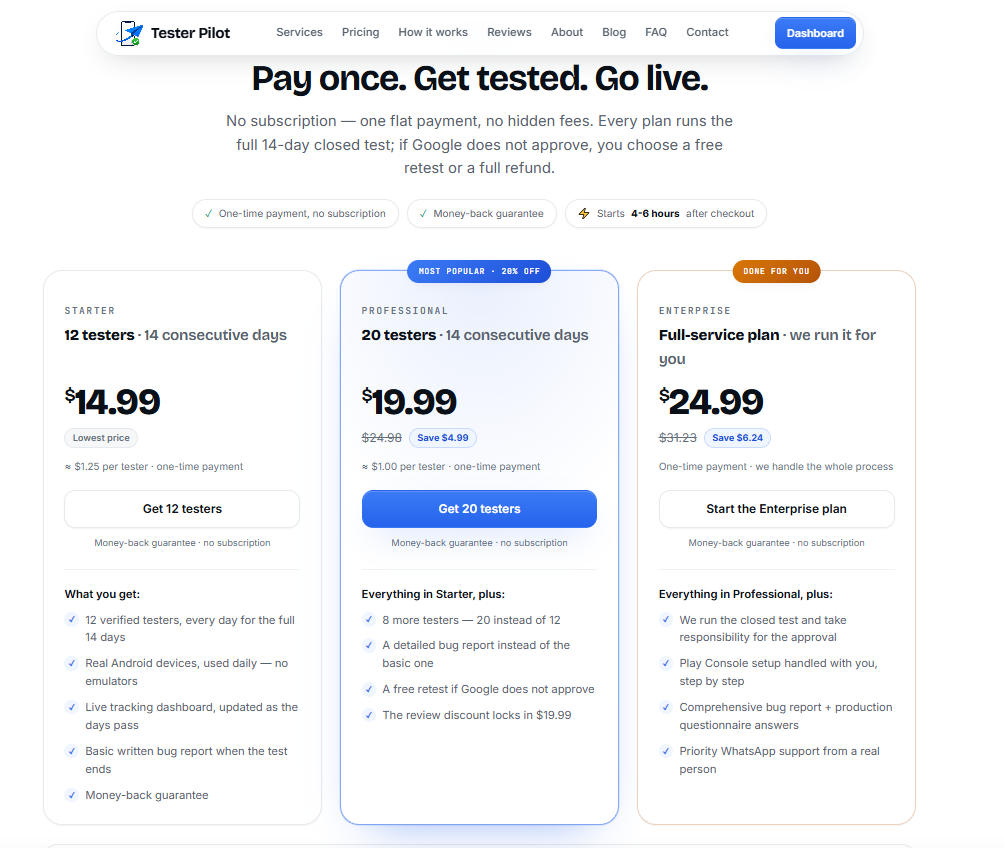
Get a Google Play Closed Testing Package with TesterPilot
If you need assistance organizing testers for your Android application's closed testing process, TesterPilot can help you explore a structured testing service.
TesterPilot focuses on Google Play closed testing assistance for developers who need help arranging testers and coordinating the testing process.
You can visit TesterPilot.com to learn more about the available services.
Before placing an order, review the package details and confirm that the number of testers, testing duration, and support match your requirements.
Important: TesterPilot and other third-party providers cannot guarantee Google Play production access. Developers remain responsible for following Google's policies, monitoring their application, and submitting an accurate production access application.
Common Questions About Google Play Closed Testing Packages
1. What is included in a Google Play closed testing package?
It depends on the provider. A package may include tester participation, joining and installation guidance, testing-period coordination, communication, and feedback. Always confirm the exact inclusions before purchasing.
2. Do I need 12 testers for Google Play closed testing?
For eligible personal developer accounts created after November 13, 2023, Google requires at least 12 testers to remain continuously opted in to a closed test for at least 14 days before applying for production access.
3. Does buying a 12-testers package guarantee production access?
No. A testing package cannot guarantee production access. Google reviews the developer's application and may consider testing quality, engagement, and other relevant information.
4. How long does Google Play closed testing take?
For eligible accounts subject to the requirement, the closed test must have at least 12 testers continuously opted in for at least 14 days before the developer can apply for production access.
5. Can I use my own testers instead of purchasing a package?
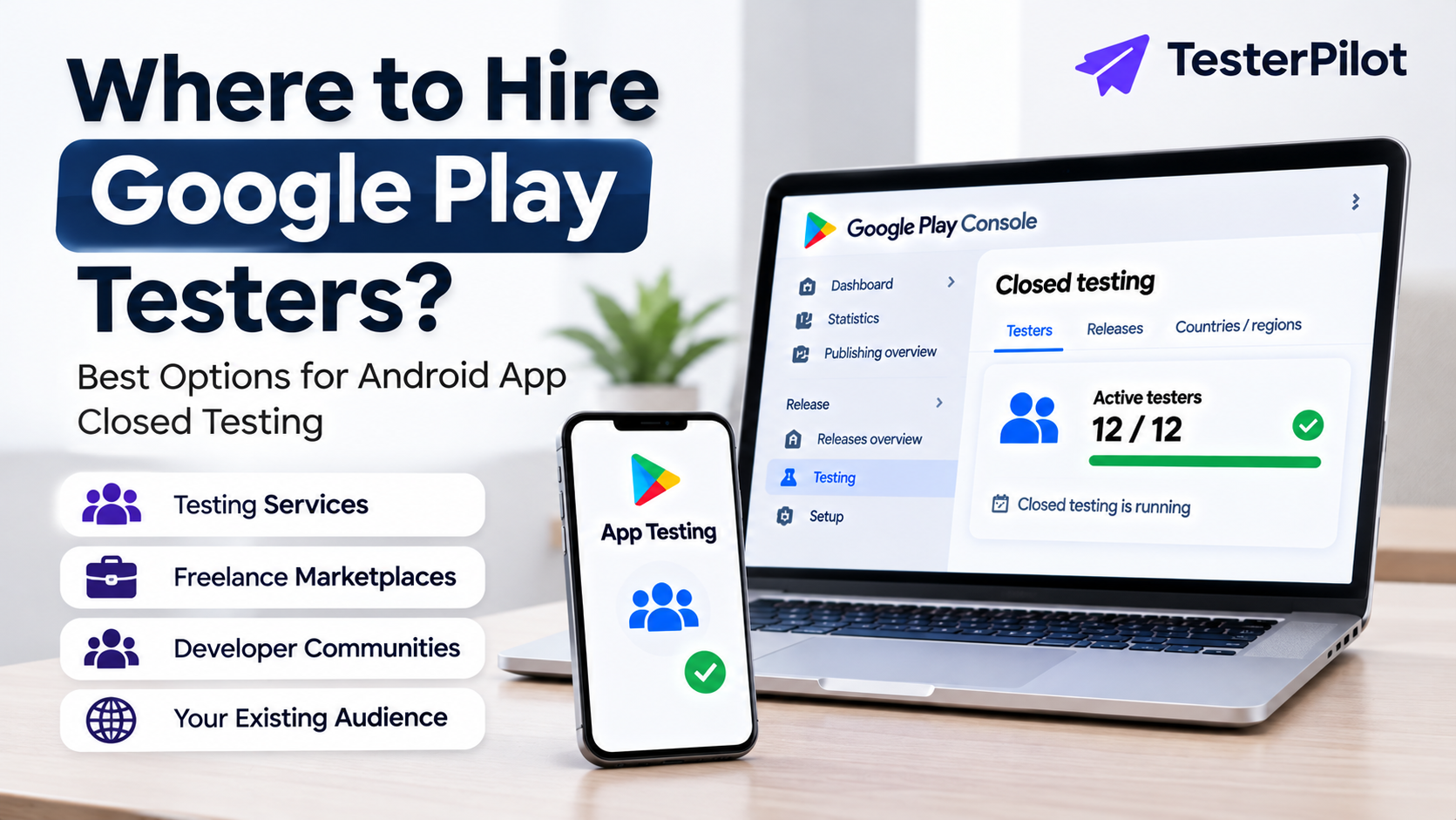
Yes. You can organize your own testers through friends, colleagues, developer communities, or other suitable groups, provided the testing follows Google's requirements.
6. What should I check before purchasing a testing package?
Check the tester count, duration, participation process, support, feedback, pricing, and replacement policy. Also make sure the provider does not promise guaranteed production access.
7. Is a cheap Google Play closed testing package a good choice?
Not necessarily. Compare the actual service inclusions, provider communication, and testing approach instead of choosing based only on price.
Final Thoughts
A suitable Google Play closed testing package can make it easier for Android developers to organize testers and manage the testing period. However, choosing a provider carefully is essential.
Before purchasing, understand exactly what the package includes, confirm the testing arrangements, and avoid unrealistic promises about production approval.
Whether you arrange testers independently or work with a testing provider like TesterPilot, focus on genuine participation, useful feedback, and compliance with Google Play's policies.
Useful official resources: