









If you are a new Android developer trying to publish an app on Google Play, you may have already encountered the closed testing requirement.
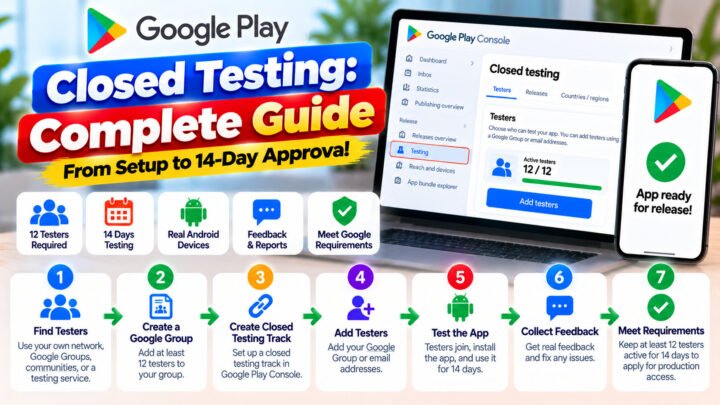
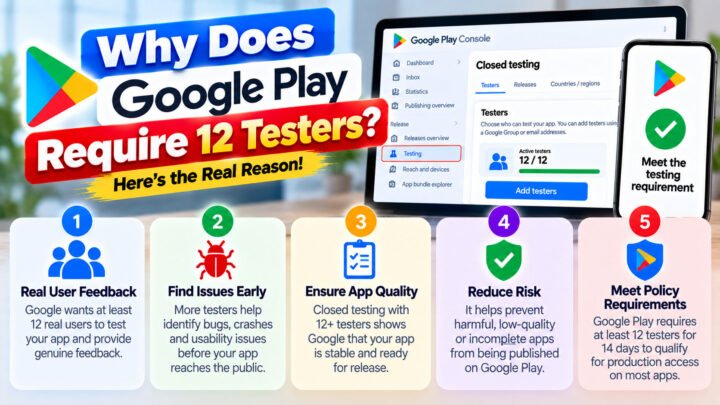
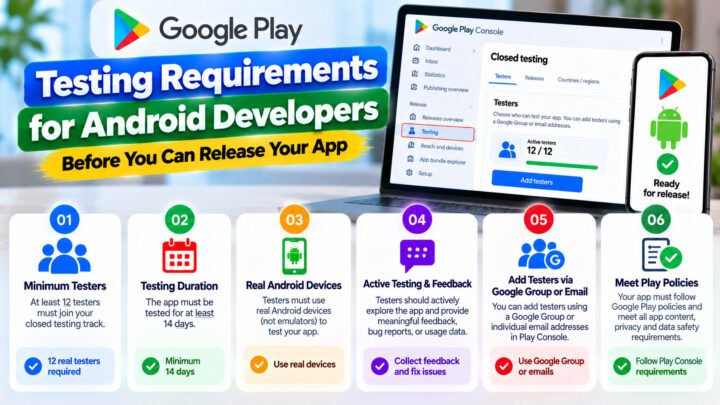
For personal developer accounts created after November 13, 2023, Google Play currently requires a closed test with at least 12 testers opted in continuously for 14 days before the developer can apply for production access. Google also asks developers about tester engagement, feedback, and what they changed or learned during the test.
Because finding and coordinating testers can be difficult, several testing services and communities have appeared to help developers organize their closed tests.
Two names developers may come across are TesterPilot and Testers Community.
But how are they different, and which type of service makes sense for your situation?
This article compares the two based on their publicly described approaches, testing workflow, tester model, feedback, and overall process.
Important: This comparison is intended to explain the differences between the services. Google Play makes the final decision about production access, and no testing provider should be treated as a substitute for following Google’s requirements.
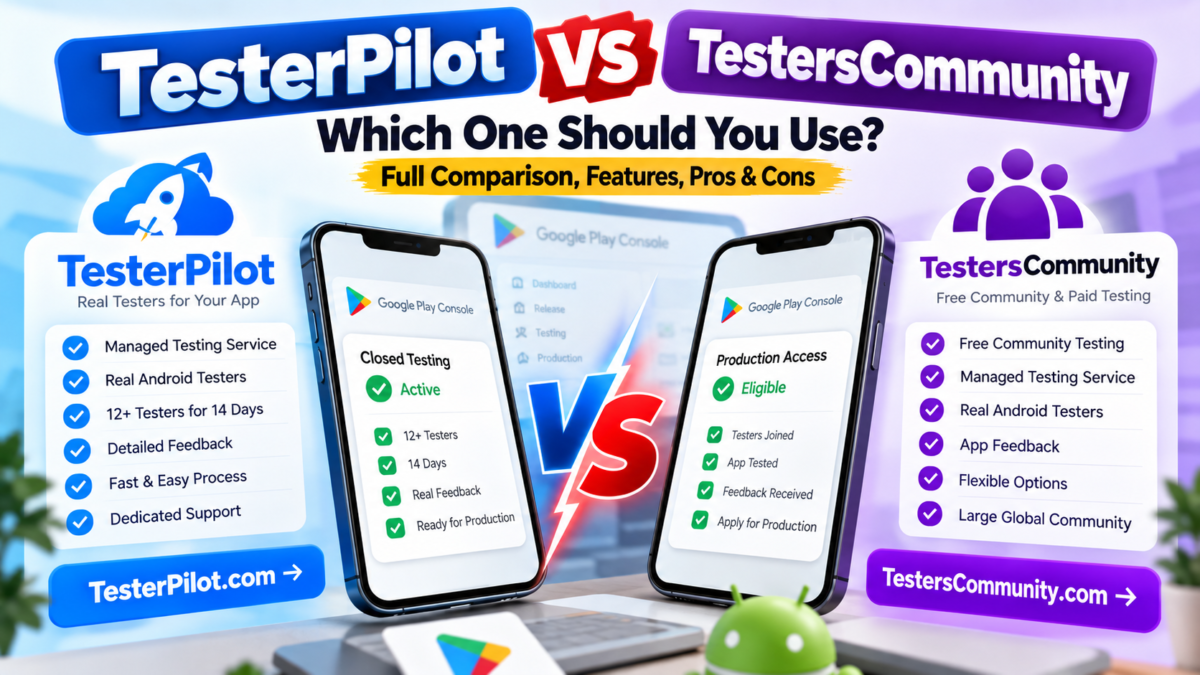
TesterPilot vs TestersCommunity: Quick Comparison
| Feature | TesterPilot | Testers Community |
|---|---|---|
| Main purpose | Managed Android closed testing | Free community + managed testing |
| Google Play closed testing | Yes | Yes |
| Real Android testers | Service-dependent; check current package | Paid service uses its tester team |
| Free community option | Depends on available offering | Yes |
| Managed paid testing | Yes | Yes |
| Tester feedback | Available depending on package | Included in managed service |
| Developer manages Play Console | Yes | Yes |
| Production approval guarantee | No guarantee should be assumed | Public site advertises a refund-based guarantee |
| Suitable for | Developers looking for organized testing support | Developers choosing between community testing and managed testing |
Google’s requirement itself is the same regardless of which provider you use: the developer must satisfy the applicable Play Console testing requirements.
What Is TesterPilot?
TesterPilot is a service focused on helping Android developers organize testers for Google Play closed testing.
The main idea is simple:
Instead of spending a significant amount of time searching for Android users individually, a developer can use a testing service to organize participants for the closed testing stage.
A typical workflow looks like this:
- Prepare your Android app.
- Create the closed testing track in Google Play Console.
- Publish the testing release.
- Obtain the closed testing opt-in link.
- Provide the required information to the testing service.
- Testers join the closed test.
- Testers install and use the application.
- Feedback and testing information are collected.
- The developer uses the results to improve the application.
- After meeting the applicable requirements, the developer applies for production access.
The important point is that the developer still controls the Google Play Console account and application.
What Is Testers Community?
Testers Community takes two different approaches to Google Play testing.
According to its public website, it offers a free community testing program as well as a paid managed testing service.
1. Free Community Testing
The community model allows developers to participate in testing other developers’ apps and earn the ability to have their own app tested.
This can be useful for developers who want to avoid paying for a managed testing service and are willing to spend time participating in the community.
According to Testers Community, its free community has been used by more than 50,000 apps.
However, the trade-off is time.
You are not simply buying a testing service. You are participating in a testing ecosystem.
2. Managed Testing Service
Testers Community also offers a paid managed service.
Its website currently describes a service where its own paid testers join the developer’s closed test, use the application during the testing period, and provide feedback. The site advertises packages involving 15–25 testers and a 14-day testing period.
This is different from the free community model.
With a managed service, the developer is paying for organized testing rather than earning testing access by testing other developers’ applications.
TesterPilot vs Testers Community: The Biggest Difference
The biggest difference is not necessarily the number of testers.
The bigger difference is the way the testing process is organized.
TesterPilot
The focus is on providing a straightforward testing service for developers who need testers for their Android application.
The developer can arrange the testing and concentrate on preparing the app, monitoring feedback, fixing problems, and completing the Google Play process.
Testers Community
Testers Community provides two routes:
Free community route
You participate in the community and test other applications.
Paid managed route
You pay for a managed testing service using its tester network.
That gives developers more than one way to organize their testing.
TesterPilot vs Testers Community: Time
Time can be an important factor for an independent developer.
If you choose a community-based approach, you may need to:
- Join the community
- Test other applications
- Wait for your turn
- Coordinate with other developers
- Keep track of testing activity
This can reduce your financial cost but increase the amount of time you spend.
With a managed testing service, the main advantage is convenience: the service handles much of the tester recruitment and coordination.
However, the 14-day testing requirement itself cannot simply be skipped. A service can help you get the required testers organized sooner, but it cannot legitimately turn a 14-day requirement into a one-day requirement.
TesterPilot vs Testers Community: Cost
Cost is another important consideration.
A free community can be attractive to developers who have more time than budget.
The basic trade-off is:
Spend time → community testing
versus
Spend money → managed testing
Testers Community publicly advertises both options. Its current website lists a paid Starter option and also provides its free community application.
For TesterPilot, developers should check the current packages and pricing on the official website because service packages can change.
When comparing prices, don’t look only at the number of testers.
Also check:
- Number of testers
- Testing duration
- Tester engagement
- Feedback/reporting
- Replacement policy
- Start time
- Support
- Refund terms
- What happens if a tester leaves
A cheaper package is not necessarily equivalent to another package simply because both advertise “12 testers.”
TesterPilot vs Testers Community: Tester Engagement
This is one of the most important parts of the comparison.
Google’s production access application asks developers about tester engagement, including whether testers used the available features and whether their usage reflected expected production behavior. Google also asks developers to summarize feedback and explain how it was collected.
Therefore, developers should think beyond:
“I have enough testers.”
A better question is:
“Did the testers actually test my application and provide useful feedback?”
For example, suppose you have a finance app.
A meaningful test could involve:
- Account registration
- Login
- Dashboard
- Adding information
- Editing information
- Notifications
- Settings
- Error handling
- Different Android devices
For a game, testers should actually play the game and exercise its important gameplay features.
The testing activity should make sense for the application.
TesterPilot vs Testers Community: Feedback
Feedback is particularly useful when preparing the production access application.
Google asks developers to summarize the feedback received during closed testing and explain how the feedback was collected.
Useful feedback can identify:
- Crashes
- UI problems
- Slow screens
- Broken buttons
- Login issues
- Navigation problems
- Device-specific problems
- Confusing features
- Performance issues
A testing provider that simply provides installations without meaningful testing may not give you the same practical value as a service that focuses on actual app usage.
This is why developers should ask each provider exactly what kind of tester activity and feedback is included in the package.
Does TesterPilot Guarantee Google Play Production Access?
This is an important question.
A testing company can help organize your closed testing process, but Google Play makes the final production access decision.
Completing the numerical testing requirement does not mean a third party can control Google’s review decision.
Google’s own documentation states that production access requires developers to answer questions about their closed test, app, and production readiness. Google also evaluates whether the application is ready for production.
Therefore, developers should be careful with any service that presents testing as an automatic approval mechanism.
Does Testers Community Guarantee Production Access?
Testers Community currently advertises a refund-based production-access guarantee for its managed service. Its public website describes the offer as approval or a full refund.
That is a commercial guarantee from the provider, not a guarantee issued by Google.
The distinction is important.
Google still controls the production access decision.
Before purchasing any service with a guarantee, read the provider’s current terms to understand exactly:
- What qualifies for the guarantee
- What is covered
- What is excluded
- Whether the app must meet certain conditions
- How refunds are processed
Which One Should You Use?
There isn’t one answer that is correct for every developer.
The better choice depends on what you need.
Choose a Community Approach If:
You have a limited budget and enough time to participate in testing other developers’ applications.
A community can be useful when your priority is reducing the direct financial cost of finding testers.
You should be prepared to spend your own time participating in the process.
Choose a Managed Service If:
You don’t want to spend days searching for testers and coordinating them yourself.
A managed service can be more convenient because the provider handles much of the tester organization.
This approach can be particularly useful for:
- Solo developers
- Freelancers
- Small development teams
- Agencies
- Developers launching multiple apps
- Developers who need a predictable testing workflow
What Should You Check Before Buying Any Testing Service?
Before paying for a Google Play testing service, ask these questions:
1. How many testers are included?
Google’s current minimum for the applicable personal developer accounts is 12 opted-in testers for the preceding 14 days. Some services provide more than the minimum.
2. Are the testers real users?
Ask whether testers use real Android devices.
3. Do testers actually use the application?
This matters because Google asks about tester engagement.
4. Do I receive feedback?
Ask what type of feedback or testing report is included.
5. What happens if a tester leaves?
Understand the replacement policy.
6. When does testing start?
Some services advertise rapid tester onboarding, while community-based systems may require more time.
7. Do I have to give the provider Play Console access?
You should understand exactly what access is required.
A managed test generally needs your closed testing opt-in link rather than ownership of your Play Console account. Testers Community’s public guide specifically states that developers do not need to give the testing service Play Console access.
8. Is production approval guaranteed?
Read the exact terms instead of relying only on marketing language.
Important: A Testing Service Cannot Fix a Bad App
This is something every developer should understand.
Suppose your app has:
- Frequent crashes
- Broken login
- Missing screens
- Incorrect permissions
- Poor navigation
- Broken payments
- Policy violations
- Incomplete functionality
Getting testers will not magically solve these problems.
The purpose of closed testing is to discover problems and improve the app before production.
Google specifically recommends ensuring that the app is stable, functional, and free from broken functionality, crashes, or missing screens before applying for production access.
A Better Closed Testing Workflow
Regardless of which service you choose, a good workflow looks like this:
Step 1 — Prepare the app
Make sure the important features are working.
Step 2 — Create the closed testing track
Set up your testing release in Google Play Console.
Step 3 — Recruit testers
Use your own network, a community, or a managed testing provider.
Step 4 — Get testers opted in
Make sure the required testers have actually joined the closed test.
Step 5 — Test the application
Ask testers to use the important features of the app.
Step 6 — Collect feedback
Record bugs, usability problems, and suggestions.
Step 7 — Fix important issues
Release updates when necessary and continue testing.
Step 8 — Complete the required testing period
Follow the requirements shown in your Play Console.
Step 9 — Apply for production access
Answer the production access questions accurately based on your actual testing experience.
Google’s official process specifically asks about tester recruitment, tester engagement, feedback, app value, changes made from testing, and how you determined the app was ready for production.
TesterPilot vs Testers Community: Final Comparison
Both approaches can solve a similar developer problem, but they are structured differently.
TesterPilot is positioned as a direct testing service for developers who want help organizing Android testers.
Testers Community provides both a free community model and a paid managed testing service, giving developers different ways to participate.
The practical decision comes down to your priorities:
| If your priority is… | Consider |
|---|---|
| Spending less money | Community testing |
| Saving your own time | Managed testing |
| Testing other developers’ apps | Free community model |
| Having testers organized for you | Managed service |
| Getting structured feedback | Check the provider’s reporting package |
| Production access | Follow Google’s requirements regardless of provider |
There is no substitute for genuine testing and a production-ready application.
Frequently Asked Questions
Is TesterPilot better than Testers Community?
The answer depends on your requirements. Compare the current tester count, price, testing duration, tester engagement, feedback, support, and refund terms rather than choosing based only on the number of testers.
Is Testers Community free?
Testers Community offers a free community testing option as well as paid managed testing. The free option involves participating in testing other developers’ applications.
How many testers does Google Play require?
For personal developer accounts created after November 13, 2023, Google currently requires at least 12 testers to be opted in continuously for 14 days before production access can be requested.
Can I skip the 14-day requirement by paying a testing company?
No. Paying for testers does not remove the Google Play testing requirement. A service can help organize testers so that the required testing period can begin sooner, but the required period still needs to be completed.
Does Google guarantee production access after closed testing?
No. Completing the testing requirement allows the developer to apply for production access. Google then evaluates the application and the information provided in the production access application.
Do I need to give a testing company my Play Console password?
You should not assume that a testing service needs your password. Ask the provider what access it requires. For example, Testers Community’s public guide says its managed testing process uses the closed testing opt-in link and does not require Play Console access.
Conclusion
TesterPilot and Testers Community are two different approaches to solving the same practical problem: organizing testers for Google Play closed testing.
A community-based approach can reduce direct cost but requires more participation from the developer.
A managed testing service can reduce the time and effort required to find and coordinate testers, but it involves a service fee.
Whichever option you choose, the important part is to conduct genuine testing, collect useful feedback, fix important problems, and provide accurate information when applying for production access.
Google Play ultimately decides whether your application receives production access.
If you want to explore TesterPilot’s current closed testing service and packages, visit: