








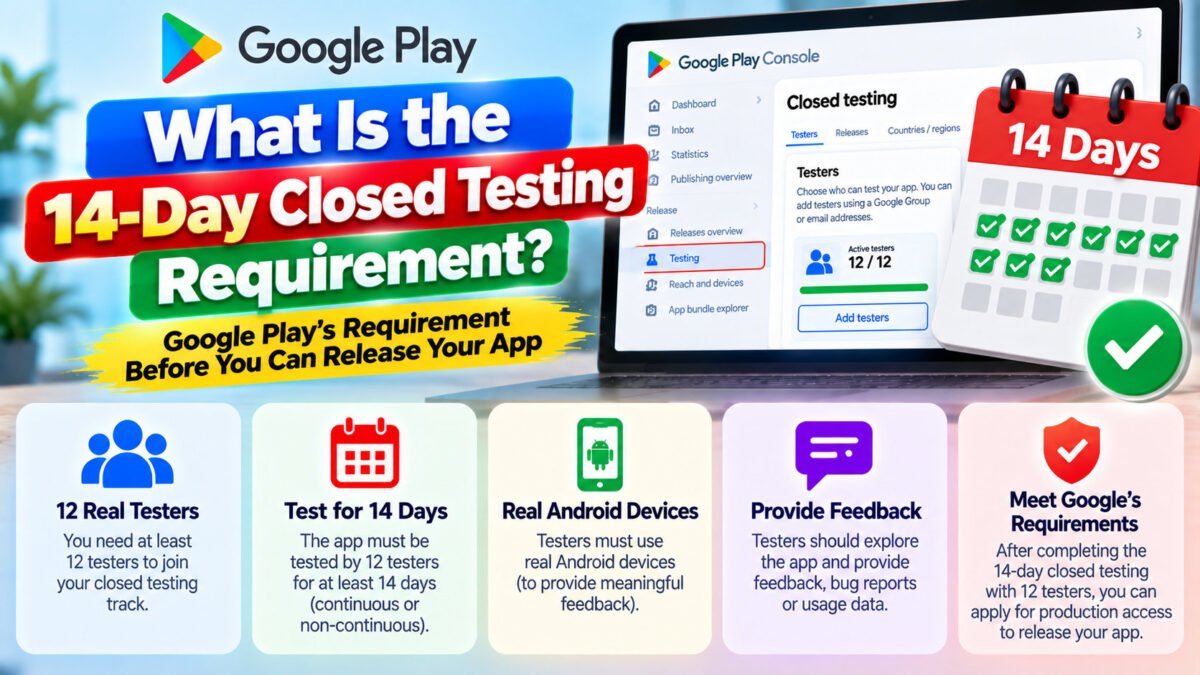
“14 consecutive days” sounds unambiguous. In practice it is the single most misunderstood part of Google Play’s testing policy, and misunderstanding it costs developers two weeks at a time.
Here is how the counter actually behaves, what resets it, and the daily routine that keeps it alive.
The rule, precisely
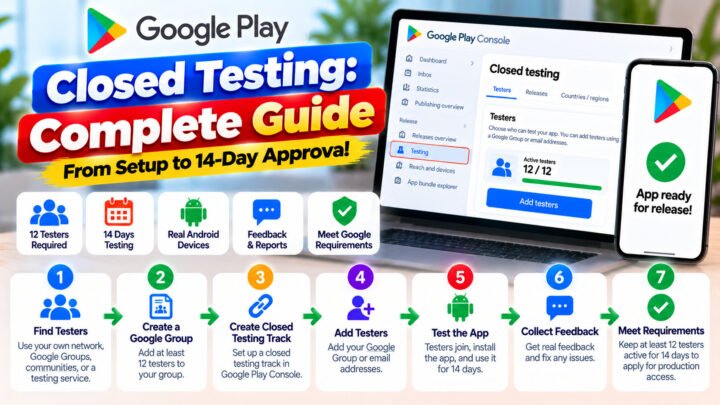
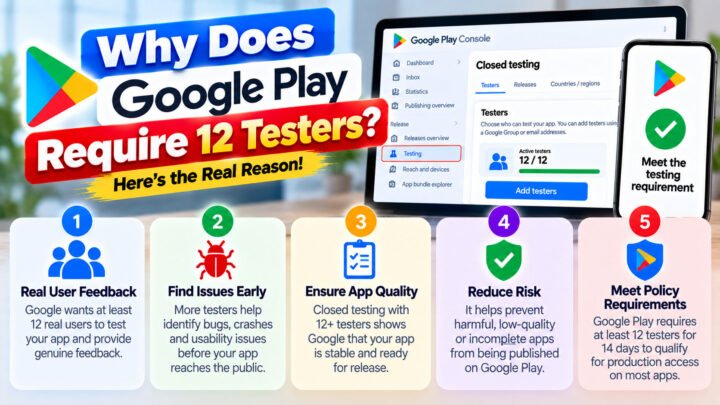
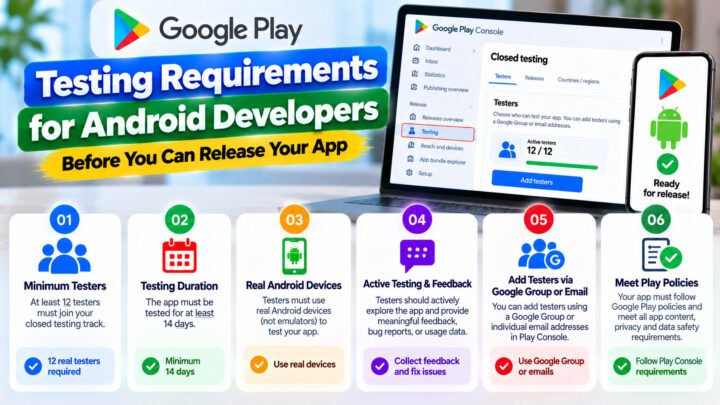
To apply for production access on a personal developer account, your closed test must show:
- at least 12 testers opted in, and
- at least 14 consecutive days in that state.
Both conditions are continuous. The day counter is not “days since I published the release” and it is not “days since the last tester joined”. It is days during which the opted-in tester count has been at or above 12 without interruption.
What resets the clock
Any event that takes you below 12 opted-in testers restarts the consecutive-day count from the moment you are back at 12. That includes:
- a tester uninstalling the app or leaving the test,
- a tester losing access to the Google account they opted in with,
- a test build being removed or replaced in a way that breaks opt-in for existing testers,
- a track being reconfigured so that testers have to opt in again.
Not all resets are obvious. If a tester’s account is removed from your email list or Google Group, they lose access — and their status as an opted-in tester with it.
What does not reset the clock
You are not frozen for two weeks. These are all fine:
- Publishing new builds to the same closed track. Updates are expected and look good in your testing history.
- Adding more testers. Growing the group above 12 is exactly the right move.
- Adding testers’ devices or testing countries to the track.
- Editing release notes, screenshots or descriptions.
Where to watch the counter
In Play Console the Closed testing track shows how many testers are currently opted in. Use that number as your daily source of truth — not your own list of invited emails. Invited is not the same as opted in and installed.
Keep a daily note: date, opted-in count, anyone who has gone quiet. It takes 30 seconds and it is the difference between catching a dropout on day 3 and discovering it on day 13.
Why dropouts are so expensive
Run the arithmetic with exactly 12 testers. In a two-week window, real-world dropout rates are high enough that losing one tester is likely, not unlucky. Each loss costs you the days already counted.
Start with 15–20 and a single dropout is absorbed — the count never dips below 12, and the streak is never interrupted. That is the entire argument for over-recruiting, and it is why services that maintain a buffer produce a smoother outcome than a group assembled one tester at a time.
The daily routine (five minutes)
- Open the Closed testing track and read the opted-in count.
- Compare it to yesterday. Any drop is dealt with today, not tomorrow.
- Message anyone who has not opened the app in a few days.
- If you are at 12 or 13, recruit replacements now.
- Log the number. On day 14 you will want the history for the questionnaire.
When you are past day 14
Once the requirement is satisfied, the Closed testing track offers an Apply for production access action. Do not apply the same hour — spend an afternoon on the questionnaire, because it is where the request is actually won or lost. How to apply for production access walks through the answers.
Common questions
Do the 14 days have to be calendar days or full 24-hour periods?
Treat it as calendar days and check daily. Being precise about hours is a lot less useful than never letting the count dip.
Does internal testing time count toward the 14 days?
No. Only the Closed testing track counts. Internal testing is useful for a five-minute smoke test before you invite real testers, nothing more. Closed testing vs internal testing covers the difference.
Can I run the closed test and internal test at the same time?
Yes, and it is good practice: internal for your own quick checks, closed for the counted test.
What if I need to fix a critical bug on day 8?
Publish the fix to the same closed track. Testers get the update automatically and the day count continues. Do not recreate the track.
Keep reading
Want the 14 days handled for you, with a daily streak check and a buffer above 12? TesterPilot runs the campaign end to end, or ask us on WhatsApp how it works for your app.