








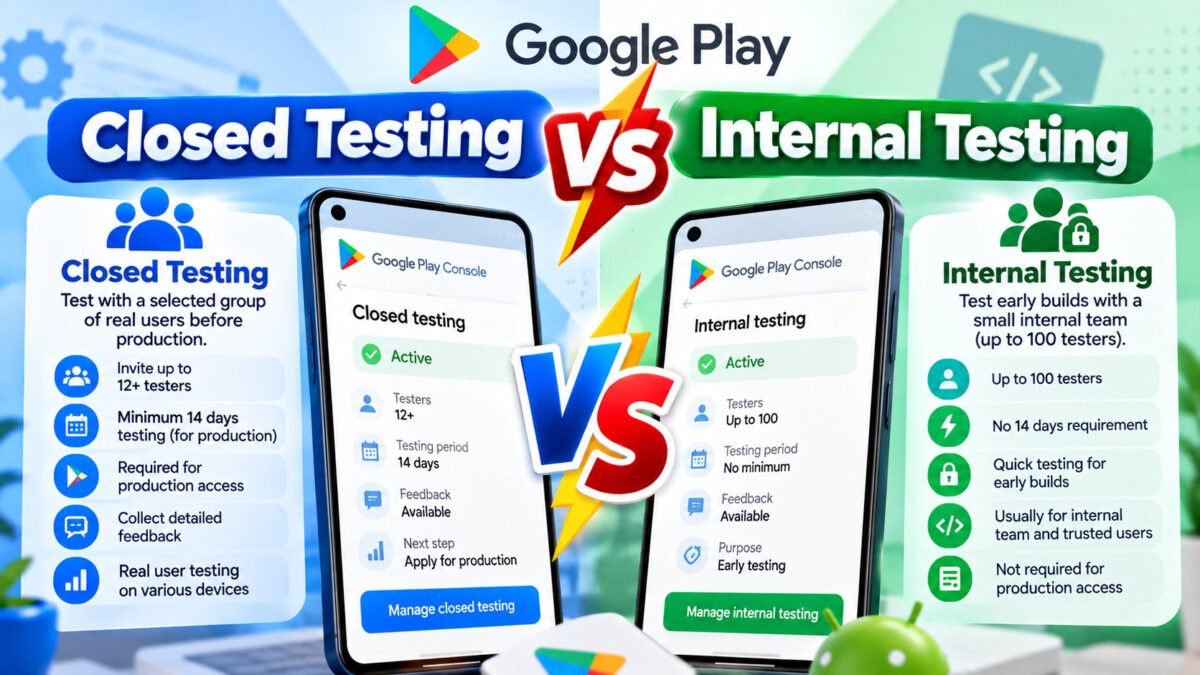
Play Console offers internal testing and closed testing side by side, and to a developer in a hurry they look like the same feature with different names. They are not. One is a private staging channel; the other is a policy gate you must pass.
The differences that matter
| Internal testing | Closed testing | |
|---|---|---|
| Who can test | Up to 100 testers you add directly by email | Invited testers via email list or Google Group |
| Speed to start | Minutes — publish and test | Minutes too, but testers must opt in themselves |
| Counts toward the 12-tester / 14-day requirement | No | Yes |
| Opt-in link | Not needed — testers are added directly | Yes, testers must accept it |
| Primary purpose | Your own smoke tests, QA, staged verification | The production-access gate, plus real feedback |
The single fact that trips people up: internal testing time does not count toward production access. Two weeks in internal testing leaves you exactly where you started.
What internal testing is actually for
Treat it as your private staging environment on real infrastructure:
- Verify a build installs and launches before anyone else sees it.
- Check that in-app purchases, sign-in and notification flows work against production services.
- Rehearse a release: upload the AAB, write release notes, publish, confirm the update lands.
- Give a designer, a client or a stakeholder access without polluting your counted test group.
It is fast, forgiving and invisible to the public store. Use it as a pre-flight check every time, not as a substitute for the closed test.
What closed testing is for
Closed testing is the counted track — and it is also, by design, your first real-world usage data:
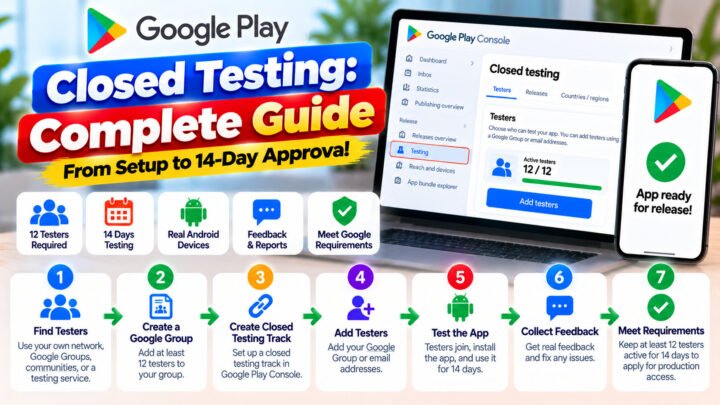
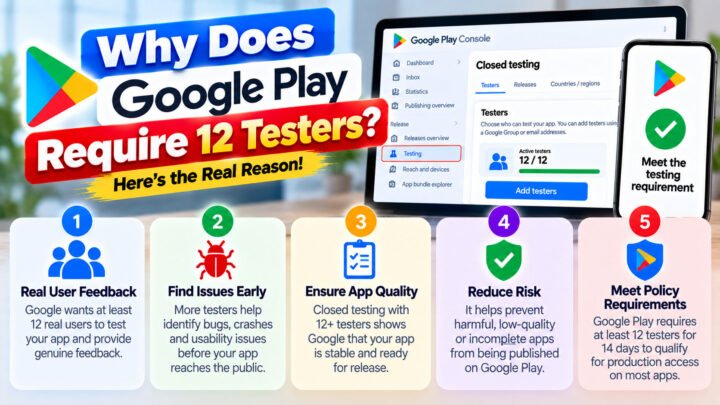
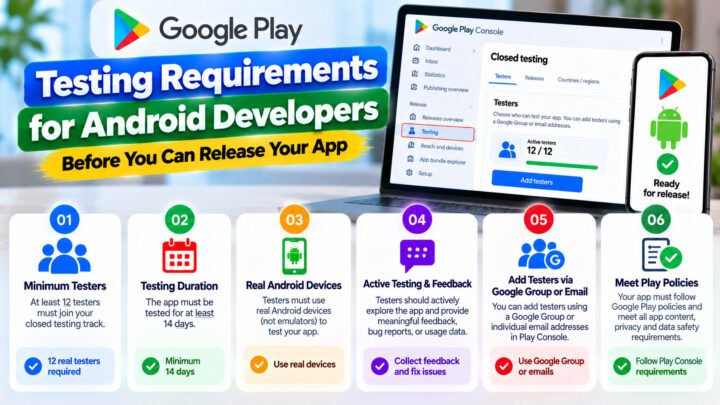
- It satisfies the 12-tester, 14-consecutive-day requirement for personal developer accounts.
- It produces device and Android version coverage you could not generate alone.
- It generates the feedback and build history you will quote in the production-access questionnaire.
Can you run both at once?
Yes, and you should. A workable pattern:
- Internal — you and your team. Verify the build works at all.
- Closed — 15–20 real testers. Counted test, 14 days, daily streak check.
- Production — after approval, starting with a small staged rollout.
A subtle benefit of running internal testing alongside: when you find a crash in the closed test on day 6, you can ship the fix to internal first, confirm it works, and then publish to closed — without risking a broken build reaching your counted testers.
Internal testing is not a shortcut to production access. If the plan is “put it in internal for two weeks and apply”, the application will be refused because the requirement is simply not met.
Also — what about open testing?
Open testing is public: anyone can opt in, and the listing appears in the store with a “beta” label. It does not replace closed testing for the requirement, and it exposes your app to public ratings before you are ready. Most developers skip it entirely unless they want a public beta.
Which track should this build go to?
| Situation | Track |
|---|---|
| First time this build has ever run anywhere | Internal |
| Client or stakeholder demo | Internal |
| Need the 14-day production requirement | Closed |
| Shipping a fix found during the counted test | Internal, then Closed |
| Public pre-release marketing | Open |
Common mistakes
- Running only internal testing and counting the days. They do not count.
- Adding closed testers as an email list but never sending the opt-in link. Invited is not opted in.
- Recreating the closed track to fix something. Publish a new release instead — reconfiguring can force testers to re-opt-in and restart the 14 days.
- Removing internal testers from the wrong list and accidentally reducing the closed group.
Keep reading
- Google Play closed testing: the complete guide
- The 14-day requirement explained
- How to add testers in Play Console
If you have the internal track covered and only need the counted closed test handled properly, TesterPilot runs 12+ real testers for the full 14 days with daily monitoring and a written report. Start a campaign or ask us on WhatsApp.