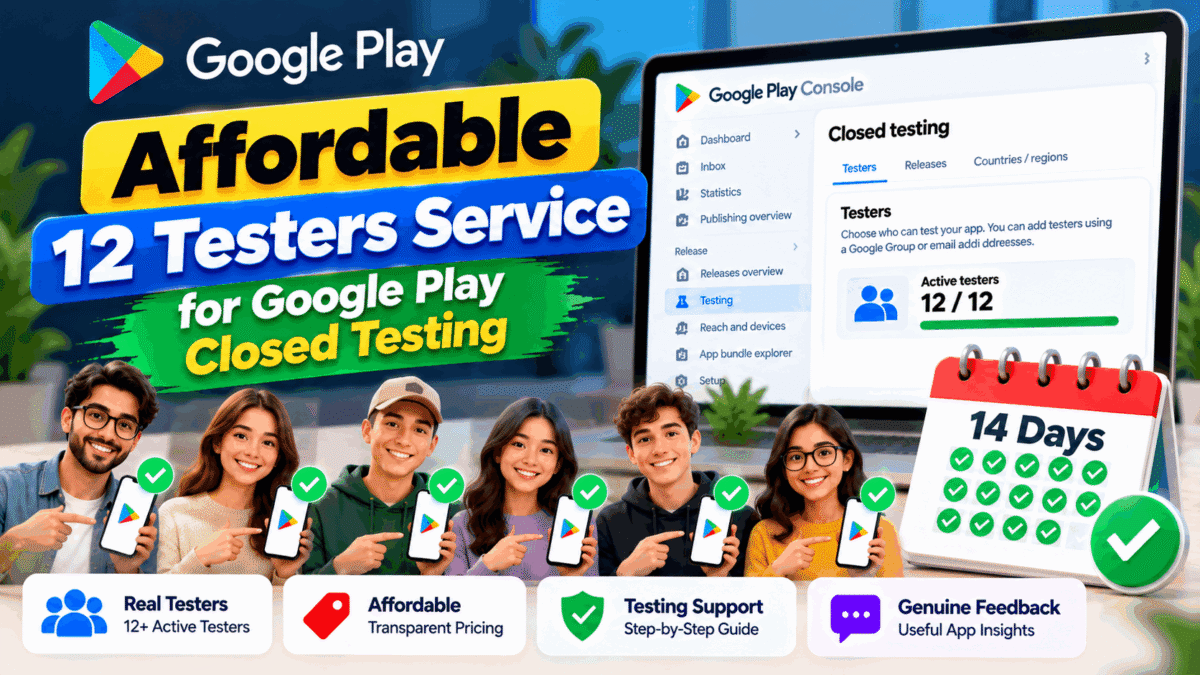
Are you looking for an affordable 12 testers service to help you complete Google Play closed testing for your Android app? If you have recently created a personal Google Play Console account, finding enough testers and managing the testing process can be challenging.
An affordable closed testing service can help you coordinate testers, distribute your app’s testing link, collect useful feedback, and organize the testing process. However, choosing the right provider is important because low prices alone do not guarantee reliable testing or production access.
In this guide, you will learn what an affordable 12 testers service includes, how Google Play’s testing requirement works, what to consider before choosing a provider, and how to prepare your app for a successful testing experience.
What Is an Affordable 12 Testers Service?
An affordable 12 testers service helps Android developers organize a closed testing process with a group of testers without requiring them to recruit every participant individually.
Depending on the provider, the service may include:
- Assistance with coordinating at least 12 testers.
- Guidance for joining a Google Play closed test.
- Support with tester opt-in and installation instructions.
- Communication throughout the testing period.
- Feedback collection and basic issue reporting.
- Help understanding the next steps before applying for production access.
The exact services vary by provider, so review the package details before purchasing.
An affordable service should offer clear pricing, transparent terms, responsive communication, and genuine testing support—not simply a promise that your app will be approved.
Why Do Developers Need 12 Testers for Google Play?
Google Play requires personal developer accounts created after November 13, 2023, to meet a closed testing requirement before applying for production access.
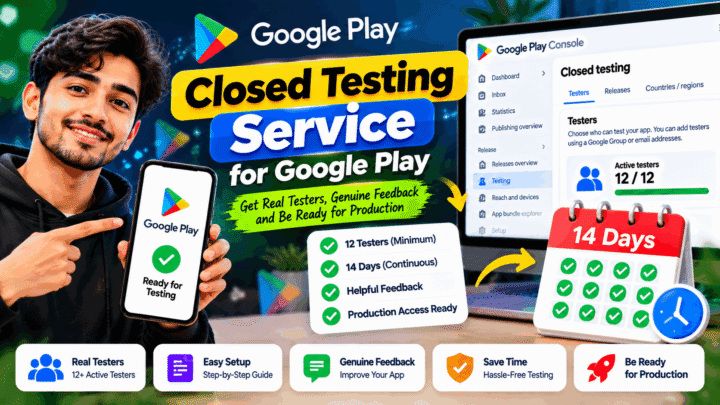
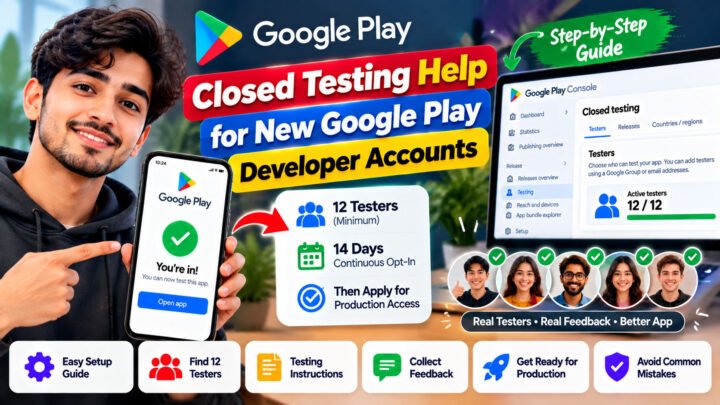
According to Google’s official guidance, eligible developers must have at least 12 testers opted into their closed test continuously for at least 14 days before applying for production access.
After completing the requirement, developers must submit an application through Google Play Console. Meeting the testing requirement does not automatically guarantee approval.
Official reference: Google Play app testing requirements
Common challenges developers face
Many developers experience difficulties during the testing process, including:
1. Finding enough testers
Recruiting people who are willing to join a closed test and remain opted in throughout the required period can take time.
2. Managing the testing process
Developers need to share the correct testing instructions, help participants understand the opt-in process, and monitor progress.
3. Collecting meaningful feedback
Testing is more useful when participants explore the app, identify problems, and report usability issues instead of merely joining the test.
4. Understanding production access
Completing the required testing period is only one part of preparing an app for release. Developers must also ensure that their app works correctly and follows Google Play policies.
An affordable 12 testers service may help reduce the administrative workload associated with these tasks.
What Should an Affordable 12 Testers Service Include?
Before choosing a provider, understand what you are paying for.
1. Tester coordination
The provider should explain how testers are organized and how they will access your closed testing track.
Confirm whether the package includes at least 12 testers and whether the provider helps with joining the test and installation instructions.
2. Support throughout the testing period
Ask how the provider manages communication during the 14-day period. You should know whom to contact if a tester encounters an installation problem or leaves the testing program.
Remember that testers must remain opted in continuously for the required period. If a tester opts out and later rejoins, the interrupted period does not count as continuous participation for that tester.
3. Genuine testing and feedback
A useful testing service should encourage participants to explore the app and report relevant issues.
Depending on the package, feedback may cover navigation, usability, functionality, crashes, or other problems that testers encounter.
4. Clear pricing
A trustworthy provider should explain the price and what the package includes before you pay.
Check whether the price covers tester coordination, the full testing period, feedback, technical guidance, and any applicable replacement arrangements.
5. Honest expectations
No third-party provider can guarantee that Google will approve your production access application.
Choose a service that explains its responsibilities clearly and does not promise guaranteed approval, instant publishing, or exemption from Google Play policies.
How Much Does an Affordable 12 Testers Service Cost?
The cost of a 12 testers service depends on the provider, the level of support, the testing duration, and the services included in the package.
For example, a basic package may focus on tester coordination, while a more comprehensive option may include additional communication, feedback collection, and technical assistance.
Before comparing prices, ask these questions:
- Does the package include at least 12 testers?
- Does it cover the required testing period?
- Is assistance with opt-in and installation included?
- Will testers provide genuine feedback?
- What happens if a participant leaves the test?
- Are there any additional fees?
- Does the provider explain the limits of its service?
The best affordable option is not necessarily the cheapest one. Compare the included services, transparency, and support to determine which package offers appropriate value for your app.
How to Choose a Reliable Google Play Closed Testing Service
Use the following checklist when evaluating a provider.
Check the service description
Look for a detailed explanation of the testing process, tester responsibilities, communication methods, and package limitations.
Avoid vague offers that do not explain what happens after you place an order.
Review the provider’s reputation
Read customer reviews carefully and look for consistent information about communication, service delivery, and support.
Do not rely solely on testimonials displayed on the provider’s own website.
Confirm the testing timeline
Ask when the testing process will begin and how the provider communicates progress. The timeline may depend on your app’s readiness, Play Console status, and tester participation.
Ask about feedback
Find out whether testers will explore your app and report problems. Useful feedback can help you identify issues before making the app publicly available.
Avoid guaranteed approval claims
Google reviews production access applications and may request additional testing if the testing activity or tester engagement is insufficient.
Read the official requirements before making a decision: Google Play testing requirements.
How the 12 Testers for 14 Days Process Works
Although the exact workflow depends on your app and provider, a typical closed testing process follows these steps.
Step 1: Prepare your Android app
Make sure your app is ready for testing. Check its main features, login process, navigation, and stability. Fix known problems before inviting testers whenever possible.
Step 2: Set up a closed testing track
Use Google Play Console to create or configure your closed testing track and prepare the test release.
Google’s official guide explains the setup process: Set up an open, closed, or internal test.
Step 3: Invite testers
Add eligible participants using the supported tester-management options, such as email lists or Google Groups.
Share the correct opt-in instructions. If you use a Google Group, participants must join the group before opting into the test.
Step 4: Start and manage the testing period
Ensure that at least 12 testers remain opted in continuously for the required 14-day period.
Encourage participants to explore the app and provide feedback. Monitor reported problems and make improvements when appropriate.
Step 5: Review your app’s readiness
Before applying for production access, review your testing activity, fix important issues, and verify that your app follows Google Play policies.
Step 6: Apply for production access
Once you meet the applicable requirements, submit your production access application through Play Console and answer Google’s questions about your testing process, app, and readiness for release.
Keep in mind that Google may require additional testing before granting production access.
Who Should Use an Affordable 12 Testers Service?
An affordable closed testing service may be useful for:
- First-time Android developers: People publishing their first app through an eligible personal developer account.
- Indie app developers: Individuals building apps without a large in-house testing team.
- Freelance developers: Professionals managing app projects for clients.
- Small development teams: Teams that need additional participants for pre-release testing.
- App development agencies: Businesses coordinating testing for multiple projects.
If you already have a suitable group of testers, you may be able to manage the process yourself using Google Play Console. A paid service is optional; what matters is completing the applicable requirements and conducting meaningful testing.
Affordable 12 Testers Service by TesterPilot
If you need help organizing your Google Play closed testing process, TesterPilot provides a starting point for exploring testing support.
Visit TesterPilot.com to learn more about the available services and determine whether the current offering fits your app’s requirements.
Before placing an order, review the package details, testing timeline, communication process, and included support. Make sure you understand what the service covers and what remains your responsibility as the app developer.
Your app should be ready for testing, and you should remain responsible for its functionality, policy compliance, and production access application.
Frequently Asked Questions
1. What is an affordable 12 testers service?
It is a service that helps developers coordinate a group of testers for Google Play closed testing. Depending on the provider, it may include tester recruitment, opt-in guidance, communication, and feedback collection.
2. Do I need 12 testers for 14 days to publish my Android app?
Google Play applies this requirement to personal developer accounts created after November 13, 2023. Eligible developers must have at least 12 testers opted into their closed test continuously for at least 14 days before applying for production access. Check Google’s official documentation for the current requirements.
3. Does completing 14 days guarantee Google Play approval?
No. Completing the testing requirement allows eligible developers to apply for production access. Google may evaluate tester engagement, app quality, policy compliance, and other relevant factors before making a decision.
4. Can I complete closed testing without paying for a service?
Yes. You can recruit testers through your own network, developer communities, or other appropriate channels and manage the test through Google Play Console. A paid service is an option for developers who need additional coordination or support.
5. What should I check before buying a 12 testers service?
Check the package price, number of testers, testing duration, opt-in instructions, communication process, feedback arrangements, and any additional charges. Avoid providers that promise guaranteed production access.
6. What happens if a tester opts out during the 14-day period?
The tester’s interrupted participation does not satisfy the continuous 14-day requirement. If the tester opts back in later, a new consecutive period is needed for that tester to meet the continuous opt-in requirement.
7. How can testers provide feedback?
Testers can use a feedback channel provided by the developer, such as email, a website, or a messaging forum. Google Play also supports private feedback for test users. Developers should explain what feedback is useful and respond to important issues.
8. Is an affordable testing service suitable for beginners?
It can be, particularly if the provider offers clear instructions and responsive support. Beginners should still learn how Play Console testing works and understand their responsibilities before applying for production access.
Final Thoughts
Finding an affordable 12 testers service can make the Google Play closed testing process easier to organize, especially for developers who do not already have a tester community.
However, price should not be the only factor in your decision. Look for clear package details, reliable communication, genuine testing participation, and useful feedback.
Prepare your app carefully, follow the official Google Play requirements, and use testing to improve your app before release. A well-managed testing process can help you identify problems early and make a more informed production access application.
If you need help with your testing workflow, visit TesterPilot.com to explore the available options.