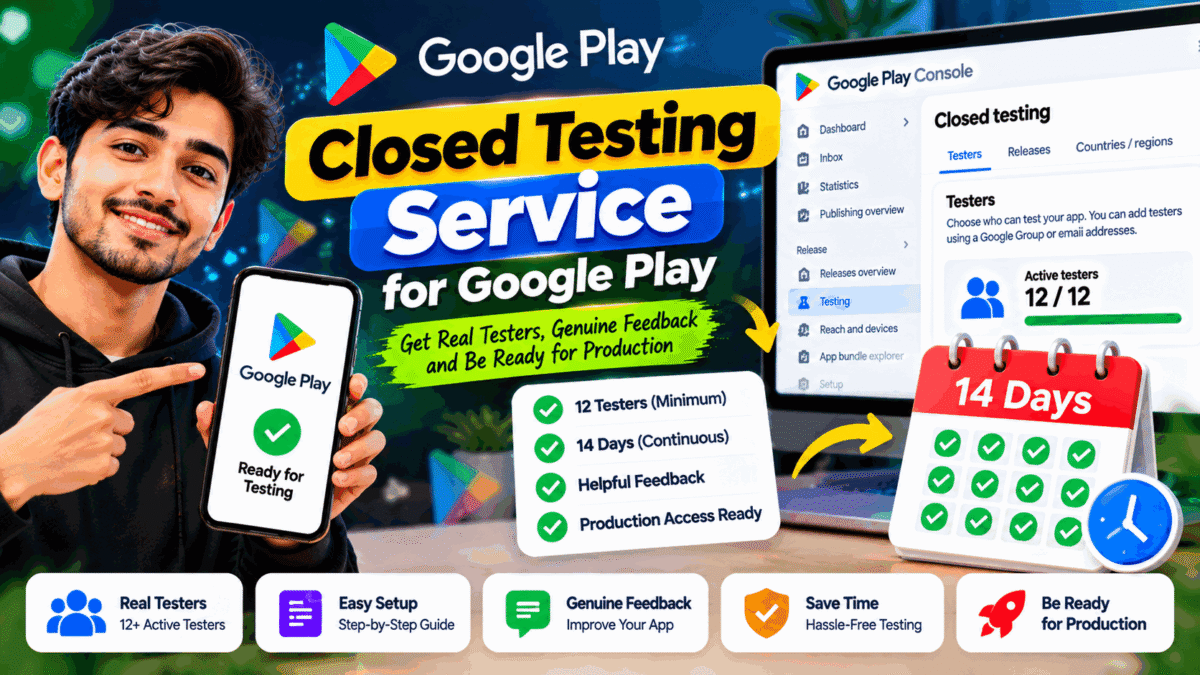
Are you looking for a reliable closed testing service for Google Play to help prepare your Android app for production? If you have recently created a Google Play Console account, understanding the testing process, finding suitable testers, and managing the required testing period can be challenging.
A closed testing service can help Android developers organize testers, share testing instructions, collect feedback, and manage the pre-release testing workflow. However, choosing the right service requires more than comparing prices. You should understand Google’s requirements, know what the provider offers, and ensure that your app receives meaningful testing.
In this guide, we explain how Google Play closed testing works, who needs it, what a testing service may include, and how to choose the right support for your Android app.
What Is a Closed Testing Service for Google Play?
A closed testing service for Google Play helps app developers coordinate the testing of an Android application with a selected group of participants before a public release.
Google Play provides a built-in closed testing track through Play Console. Developers can use this track to distribute pre-release versions to selected testers, identify technical issues, and gather feedback about the app’s functionality and user experience.
Depending on the provider, a closed testing service may offer:
- Tester recruitment or coordination.
- Assistance with testing-track setup and opt-in instructions.
- Guidance for installing and accessing the test version.
- Communication and coordination during the testing period.
- Feedback collection and organization.
- General guidance on preparing for production access.
Services differ, so check the package details before choosing a provider.
A third-party service does not replace Google Play Console or Google’s review process. Developers remain responsible for their apps, testing records, policy compliance, and production access applications.
Who Needs a Google Play Closed Testing Service?
Closed testing support can be useful for several types of developers.
1. Developers with new personal accounts
Personal developer accounts created after November 13, 2023, must meet Google’s specific testing requirements before applying for production access.
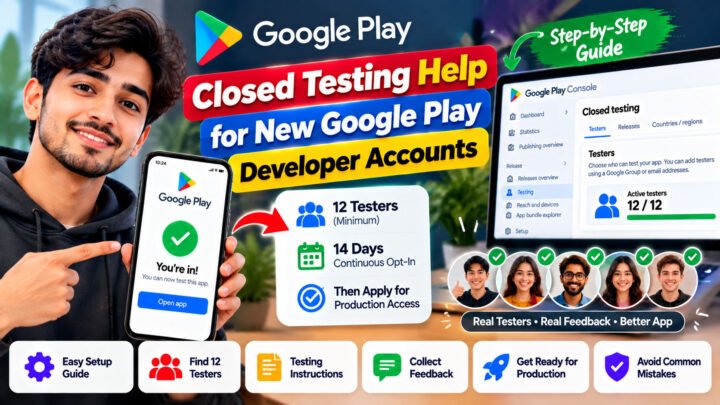
For eligible accounts, the requirement is at least 12 testers continuously opted into a closed test for at least 14 days.
2. First-time Android app publishers
Developers publishing their first app may be unfamiliar with testing tracks, tester access, opt-in links, and production access applications.
A testing service can help them understand and coordinate the process.
3. Freelance Android developers
Freelancers developing apps for clients may need a reliable testing workflow before a project is ready for release.
Organized testing can help identify issues before the client launches the app publicly.
4. Small development teams
Small teams may already have developers and designers but lack enough independent participants to test the app from a user’s perspective.
External testers can provide additional feedback on usability, device compatibility, and app functionality.
Important: Not every Google Play developer account has the same testing requirements. Check your account type and the current requirements shown in Play Console before purchasing a service.
Official reference: App testing requirements for new personal developer accounts.
Google Play’s 12 Testers for 14 Days Requirement
One of the most common questions from new Android developers concerns the 12 testers and 14 days rule.
According to Google’s official guidance, eligible personal developer accounts created after November 13, 2023, must run a closed test with at least 12 testers who remain opted in continuously for at least 14 days before applying for production access.
Here is what the requirement means:
- 12 testers: At least 12 testers must meet the continuous opt-in requirement.
- 14 consecutive days: The required testers must remain opted in continuously throughout the qualifying period.
- Production access application: Once the requirements are met, the developer can apply through Google Play Console.
- Google’s review: Meeting the minimum requirement does not guarantee production access.
If a tester opts out and later rejoins, the interrupted period does not count as continuous participation for that tester.
Google may require additional testing if tester participation or engagement is insufficient. Developers should therefore focus on genuine testing and useful feedback rather than treating the process as a simple countdown.
What Does a Google Play Closed Testing Service Include?
Before purchasing a service, understand the specific support you will receive.
Tester recruitment and coordination
The provider may help organize participants and explain how they can access your test.
Ask how testers are recruited, what participation involves, and how communication is handled.
Testing-track guidance
Some providers offer guidance on preparing a closed testing release, managing tester access, and sharing the correct opt-in instructions.
You should still retain control of your own Google Play Console account and verify that your testing setup is correct.
Installation and opt-in assistance
Testers need to follow the appropriate instructions to join the test and access the app. Clear guidance can reduce confusion and help resolve common setup problems.
Testing feedback
Useful testing involves more than joining a program. Participants should explore the app and report relevant problems, confusing screens, or other issues they encounter.
Ask whether feedback collection is included in the package and how the results will be communicated to you.
Support during the testing period
Find out how the provider handles questions, participation issues, and communication throughout the test.
A clear process can make it easier to manage testing without unnecessary delays.
Transparent pricing and terms
Before ordering, confirm the price, package scope, timeline, feedback arrangements, and any additional fees.
Avoid services that promise guaranteed Google Play approval or claim that they can bypass Google’s requirements.
How to Set Up Google Play Closed Testing
Even if you use a testing service, understanding the basic workflow helps you manage your project effectively.
Step 1: Prepare your Android app
Check that the main features work correctly and that the app is stable enough for testing.
Review important functions such as registration, login, navigation, payments if applicable, and data handling. Fix known critical issues before inviting testers.
Step 2: Create a closed testing release
Sign in to Google Play Console, select your app, and navigate to the closed testing section.
Configure the testing track and prepare your release according to the instructions available in Play Console.
Google’s official setup guide explains the process in detail:
Set up an open, closed, or internal test.
Step 3: Add your testers
Google Play allows developers to manage closed testers using email lists or Google Groups.
Choose the method that fits your testing plan. Make sure your instructions explain how participants can access the test.
Step 4: Share the testing link
Once the test is published and the required link is available, share the appropriate opt-in instructions with your testers.
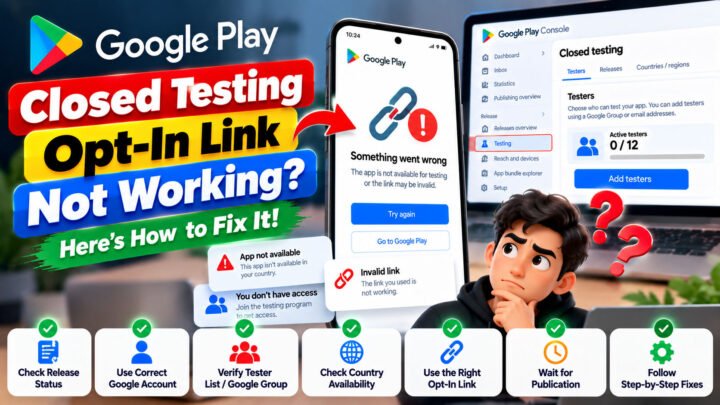
Google notes that an opt-in link appears when the app’s status is Published; it is not displayed for Draft or Pending publication status.
After the first test release is published, the link may take several hours to become available.
Step 5: Encourage meaningful testing
Ask testers to explore the app’s main features and report problems through a clear feedback channel.
Useful feedback can help you identify crashes, broken workflows, confusing navigation, and other issues before launch.
Google recommends giving testers clear instructions and recruiting participants who represent the app’s intended audience.
Step 6: Monitor participation
If your account is subject to the 12-testers requirement, monitor participation throughout the 14-day period.
Make sure the required number of testers remains continuously opted in. Do not assume that sending invitations means every participant has joined the test.
Step 7: Review feedback and apply for production access
Review the feedback, address important problems, and prepare honest answers about your testing process and app readiness.
Once the applicable requirements are met, use the production access application in Play Console.
Google reviews the application and may request additional testing before granting production access.
How to Choose the Best Closed Testing Service for Google Play
Not all providers offer the same level of support. Use these criteria to compare your options.
Check the service scope
Look for clear information about tester coordination, setup guidance, communication, feedback collection, and the testing period.
Do not assume that every feature is included in every package.
Look for genuine testing
Choose a provider that encourages participants to explore the app and provide relevant feedback.
A list of testers alone is not a substitute for meaningful testing.
Review customer feedback
Read independent customer reviews where available. Look for evidence of reliable communication, clear expectations, and responsive support.
Compare prices fairly
The cheapest package may not include the help you need. Compare the actual services, timeline, support arrangements, and any additional charges.
Avoid guaranteed approval claims
No third-party testing provider can guarantee that Google will approve your production access application.
Be cautious of claims about guaranteed approval, instant publishing, or ways to bypass Google Play requirements.
Protect your account
Keep control of your Google Play Console account and sensitive login details. A testing provider should explain what information it needs and why.
You should understand every action taken on your behalf and avoid sharing passwords unnecessarily.
Common Mistakes to Avoid During Closed Testing
Developers can make their testing process more effective by avoiding these common mistakes.
Inviting testers without confirming participation: Invitations do not automatically mean participants have opted in.
Ignoring the continuous opt-in period: Testers must remain opted in continuously for the required duration when the 12-testers rule applies.
Failing to collect feedback: Testing is more useful when participants report issues and developers review the results.
Submitting inaccurate application answers: Describe your actual testing activities, feedback, and improvements honestly.
Ignoring app quality and policies: Review your app’s functionality, store listing, data handling, permissions, and applicable Google Play policies before applying.
Expecting automatic approval: Completing the minimum testing period does not guarantee production access.
Google Play Closed Testing Service by TesterPilot
If you need help organizing your Android app’s closed testing workflow, you can explore the services available through TesterPilot.
Visit TesterPilot.com to review the current service details and determine whether the available support matches your requirements.
Before choosing a package, check what is included, how tester coordination works, how feedback is handled, and what support is available during the testing period.
TesterPilot can be a starting point for exploring closed testing support. However, you remain responsible for your app’s functionality, accurate testing records, policy compliance, and production access application.
A well-organized testing process should help you improve your app and understand its readiness for release—not promise an outcome that only Google can decide.
Frequently Asked Questions
What is a closed testing service for Google Play?
It is a service that helps developers coordinate pre-release app testing with a selected group of participants. Depending on the provider, it may include tester coordination, setup guidance, communication, and feedback collection.
Do all new Google Play developer accounts need 12 testers for 14 days?
Google’s specific 12-testers and 14-day requirement applies to eligible personal developer accounts created after November 13, 2023. Check the official requirements for your account type.
Does a closed testing service guarantee production access?
No. A provider can assist with organizing testing, but Google makes the production access decision. Additional testing may be required.
Can I complete closed testing without paying for a service?
Yes. You can recruit suitable testers yourself and manage your test through Google Play Console. A paid service is optional and may be useful if you need additional coordination or support.
What should testers do during closed testing?
Testers should follow the testing instructions, explore the app’s relevant features, and provide honest feedback about issues or usability. The exact activities depend on the app and its intended audience.
What happens if a tester opts out during the 14-day period?
That tester’s continuous opt-in period is interrupted. If the tester opts back in later, a new consecutive period is needed for that tester to satisfy the continuous opt-in requirement.
How do I know if a closed testing service is reliable?
Review its service description, pricing, communication process, feedback arrangements, and independent customer reviews where available. Avoid providers that promise guaranteed approval or unclear shortcuts.
Where can I find Google’s official closed testing instructions?
Read Google’s official testing requirements and its closed testing setup guide.
Final Thoughts
A reliable closed testing service for Google Play can help developers organize testers, understand the testing workflow, and collect feedback before releasing an Android app publicly.
Before choosing a provider, understand Google’s requirements, compare the actual services offered, and make sure the process encourages genuine testing. For eligible new personal developer accounts, the 12-testers and 14-day requirement is an important step toward applying for production access.
Prepare your app carefully, respond to feedback, and follow Google’s official guidance. If you need additional support, visit TesterPilot.com to explore the available options for your project.