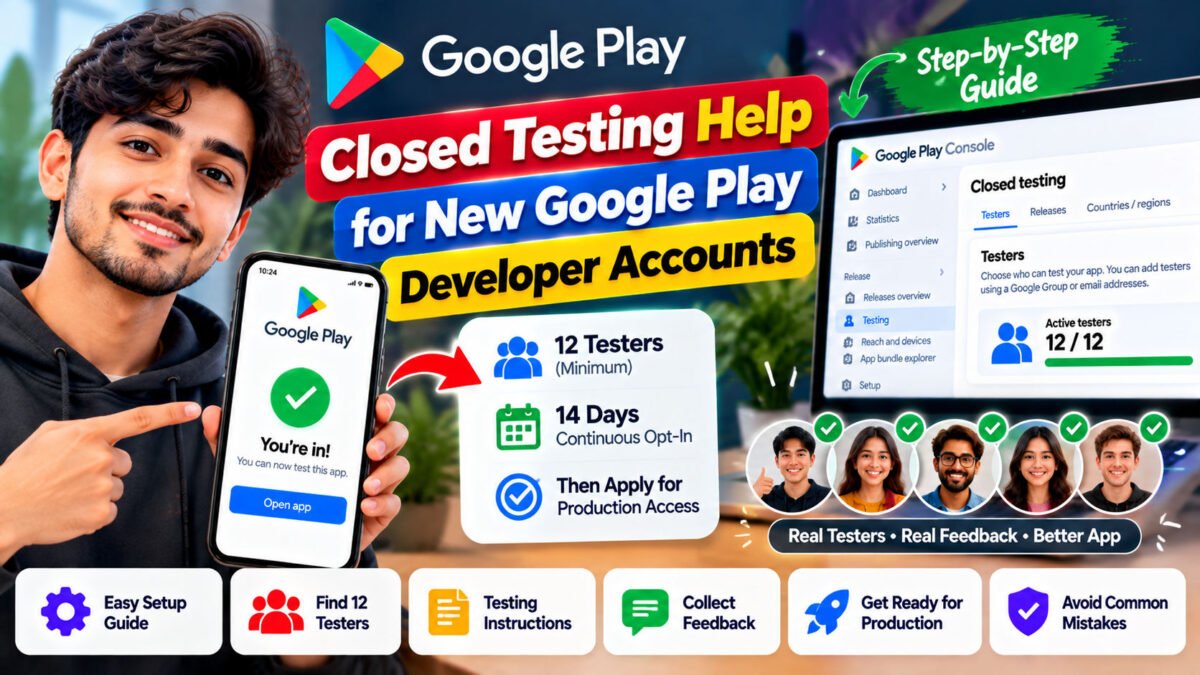
Have you created a new Google Play Console account and found that you cannot publish your Android app to production? You are not alone. Many first-time Android developers need help understanding Google Play’s closed testing requirements before they can release their apps publicly.
Closed testing help for new Google Play developer accounts can make this process easier to understand, from setting up a testing track and inviting testers to collecting feedback and preparing for production access.
In this guide, we explain how the process works, what Google requires, how to avoid common mistakes, and how to get help managing your app’s testing workflow.
What Is Closed Testing in Google Play?
Closed testing is a Google Play testing feature that allows developers to distribute an app to a selected group of testers before making it publicly available.
Unlike an internal test, which is designed for a small group and quick testing, a closed test lets you invite a larger group of participants to try your app and provide feedback.
Closed testing helps developers:
- Identify bugs and technical problems.
- Check whether app features work as expected.
- Evaluate navigation and usability.
- Collect feedback from potential users.
- Improve app stability before public release.
Google Play requires eligible new personal developer accounts to complete a qualifying closed test before applying for production access.
Official resource: Google Play app testing requirements.
Google Play’s 12 Testers for 14 Days Requirement
If your personal Google Play developer account was created after November 13, 2023, you must meet Google’s testing requirements before you can apply for production access.
The current requirement is:
- At least 12 testers
- At least 14 consecutive days of continuous opt-in
- A production access application through Google Play Console after meeting the requirement
The testers must remain opted in throughout the qualifying period. If a tester opts out and later opts back in, the interrupted period does not count as continuous participation.
Completing these requirements allows you to apply for production access. It does not automatically guarantee approval. Google may evaluate your testing activity, app quality, policy compliance, and readiness for release.
Requirements can vary according to account eligibility, so check the official documentation and the information displayed in your Play Console.
Why Do New Google Play Developers Need Testing Help?
First-time developers often focus on building their apps but discover that publishing requires additional preparation.
Here are some common challenges.
1. Finding enough testers
Developers without an established audience may struggle to recruit at least 12 people who can participate throughout the required testing period.
Recruiting testers through personal networks, relevant developer communities, and people who match your app’s intended audience can help.
2. Setting up the closed testing track
The Play Console interface can be confusing for beginners. Developers need to configure the testing track, prepare a release, manage tester access, and share the correct opt-in instructions.
3. Helping testers join the test
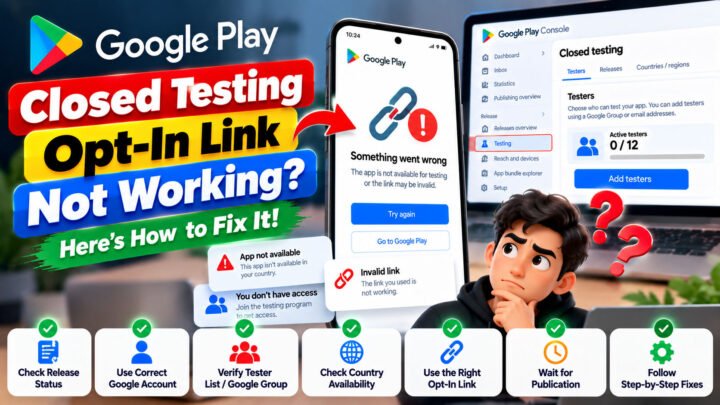
Testers must follow the correct process to access the test. If you use a Google Group, participants must join the group before opting into the test.
Incorrect instructions can delay the start of testing.
4. Collecting useful feedback
Having participants join the test is not the same as conducting meaningful testing. Developers should encourage testers to explore app features and report bugs, usability problems, and confusing workflows.
5. Preparing for production access
After the required period, developers must answer questions about their testing process, app, and production readiness. They should be prepared to explain what they learned and what improvements they made.
Testing support can help developers understand these tasks and organize the process more efficiently.
How to Set Up Closed Testing for a New Google Play Account
Follow these steps to prepare your Android app for closed testing.
Step 1: Prepare your app
Before inviting testers, make sure your app is ready for real users to try.
Check the following:
- Important features work correctly.
- Navigation and buttons behave as expected.
- The app does not contain known critical bugs.
- Login and registration work, if applicable.
- The app’s permissions are appropriate for its functionality.
- Your store listing and policy declarations are accurate.
Fix known problems before starting the testing process whenever possible.
Step 2: Configure a closed testing track
Sign in to Google Play Console and select your app.
Navigate to the testing section, create or configure a closed testing track, and prepare your test release according to the available Play Console instructions.
You may need to complete the required app setup before you can start a closed test.
For detailed instructions, visit Google’s official guide: Set up an open, closed, or internal test.
Step 3: Add testers
Google Play supports different ways to manage access to a closed test, including email lists and Google Groups.
Choose a method that suits your testing plan and provide clear instructions to participants.
Make sure testers understand how to join the test and access the app.
Step 4: Share the opt-in link
Once your testing release is available to testers, share the correct opt-in link.
Ask participants to follow the instructions carefully and confirm that they have joined the intended test.
Do not assume that creating a testing track automatically means your testers have opted in.
Step 5: Monitor the testing period
Keep track of tester participation and encourage participants to explore the app throughout the testing period.
Maintain a record of the feedback you receive, including issues identified and improvements made.
Remember that at least 12 testers must remain opted in continuously for the qualifying 14-day period.
Step 6: Review the results
Use the feedback to improve your app.
Pay particular attention to crashes, broken features, confusing screens, and problems that could affect the experience of future users.
Testing should help you make informed decisions about whether your app is ready for release.
Step 7: Apply for production access
After meeting the applicable requirements, open your Play Console Dashboard and select the production access application option when it becomes available.
Answer the questions accurately using your actual testing experience. You may need to describe how you recruited testers, how they engaged with the app, what feedback you collected, and what changes you made.
Google reviews the application, and additional testing may be required if the testing activity or tester engagement is insufficient.
Common Closed Testing Mistakes to Avoid
Avoid these mistakes when preparing your app for production access.
Starting the 14-day period too early: Creating a testing track does not mean the required number of testers has opted in. Confirm that participants have joined correctly.
Relying on exactly 12 testers without monitoring participation: If someone opts out, you may no longer have the required number of continuously opted-in testers. Monitor participation throughout the test.
Ignoring tester feedback: Testing should help you understand how people use your app and identify opportunities to improve it.
Using inaccurate production access answers: Describe the testing process honestly. Do not invent feedback, user activity, or improvements that never occurred.
Submitting an app with unresolved problems: Review important bugs, app functionality, store listing information, and policy compliance before applying.
Expecting guaranteed approval: No third-party testing service can guarantee Google’s production access decision.
What Is Closed Testing Support for New Developers?
Closed testing support can help developers understand the testing workflow and coordinate the activities involved.
Depending on the provider, support may include:
- Guidance on preparing a closed testing release.
- Help understanding tester opt-in instructions.
- Tester coordination.
- Communication during the testing period.
- Feedback collection and organization.
- Guidance on preparing for production access.
Before choosing a provider, check exactly what is included, the price, the testing timeline, and the support arrangements.
A service should help you organize genuine testing, not encourage you to misrepresent testing activity or promise approval regardless of your app’s readiness.
How TesterPilot Can Help With Your Closed Testing Workflow
If you need help organizing your Google Play closed testing process, you can explore the services available through TesterPilot.
Visit TesterPilot.com to review the current service details and determine whether the available support fits your app’s needs.
Before choosing a package, confirm:
- How tester coordination works.
- What the service includes.
- How communication and feedback are handled.
- What support is available during the testing period.
- What responsibilities remain with you as the developer.
TesterPilot can be a starting point for exploring testing support, but you remain responsible for your app’s functionality, policy compliance, accurate testing records, and production access application.
Frequently Asked Questions
1. How many testers are required for a new Google Play developer account?
Eligible personal developer accounts created after November 13, 2023, must complete a closed test with at least 12 testers continuously opted in for at least 14 days before applying for production access.
2. Can I publish my app immediately after completing 14 days of closed testing?
Not automatically. Once you meet the requirement, you can apply for production access. Google reviews your application, and you must also meet the other applicable requirements.
3. Is closed testing mandatory for every Google Play developer account?
The requirement described in Google’s guidance applies to personal developer accounts created after November 13, 2023. Check your account type and Play Console Dashboard to determine which requirements apply to you.
4. What happens if a tester leaves during the testing period?
If a tester opts out, their participation is interrupted. Opting back in later does not preserve the previous continuous period for that tester. Monitor the number of eligible testers throughout the test.
5. Can I recruit testers myself?
Yes. You can recruit participants through your personal and professional networks, relevant communities, or other appropriate channels. Choose testers who can provide useful feedback about your app.
6. Does hiring a closed testing service guarantee production access?
No. A third-party provider can assist with testing coordination, but only Google can decide whether to grant production access. Avoid guarantees of approval.
7. What should I do if Google asks for additional testing?
Read the message in Play Console carefully, review the feedback and testing activity, address any identified problems, and continue testing as instructed. Make sure your next application accurately reflects the work completed.
8. Where can I find official Google Play testing instructions?
Start with Google’s official app testing requirements and its testing setup guide.
Final Thoughts
Getting a new Android app ready for Google Play can feel complicated when you are unfamiliar with closed testing. Understanding the requirements, recruiting appropriate testers, collecting feedback, and preparing your production access application can make the process easier to manage.
If you have a new personal developer account, pay particular attention to the 12-testers and 14-day requirement. Start with a stable app, give testers clear instructions, monitor participation, and use their feedback to make meaningful improvements.
If you need additional help organizing your testing workflow, visit TesterPilot.com to explore the available options.
A well-prepared app and a genuine testing process are more valuable than shortcuts or promises of guaranteed approval.