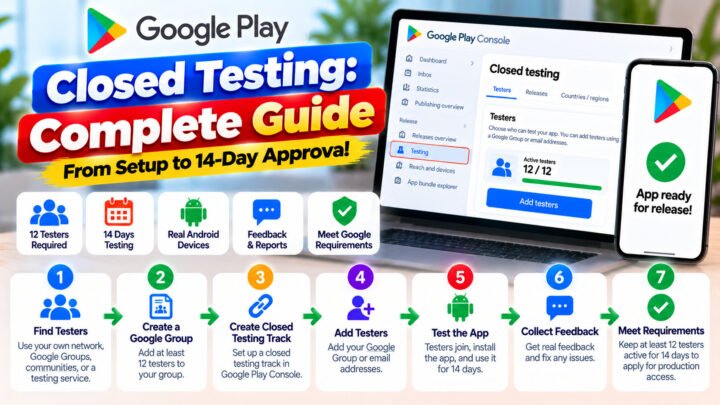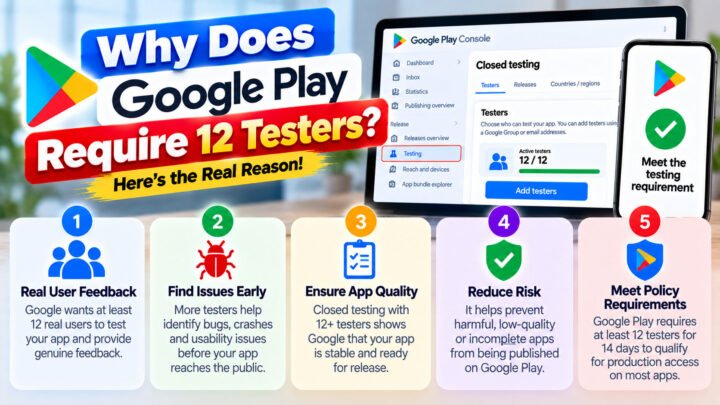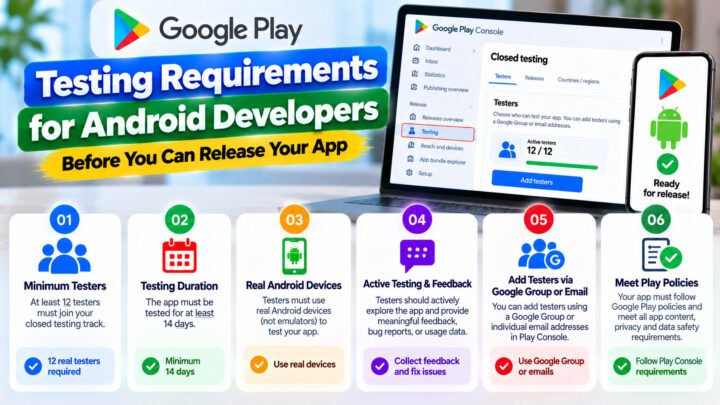









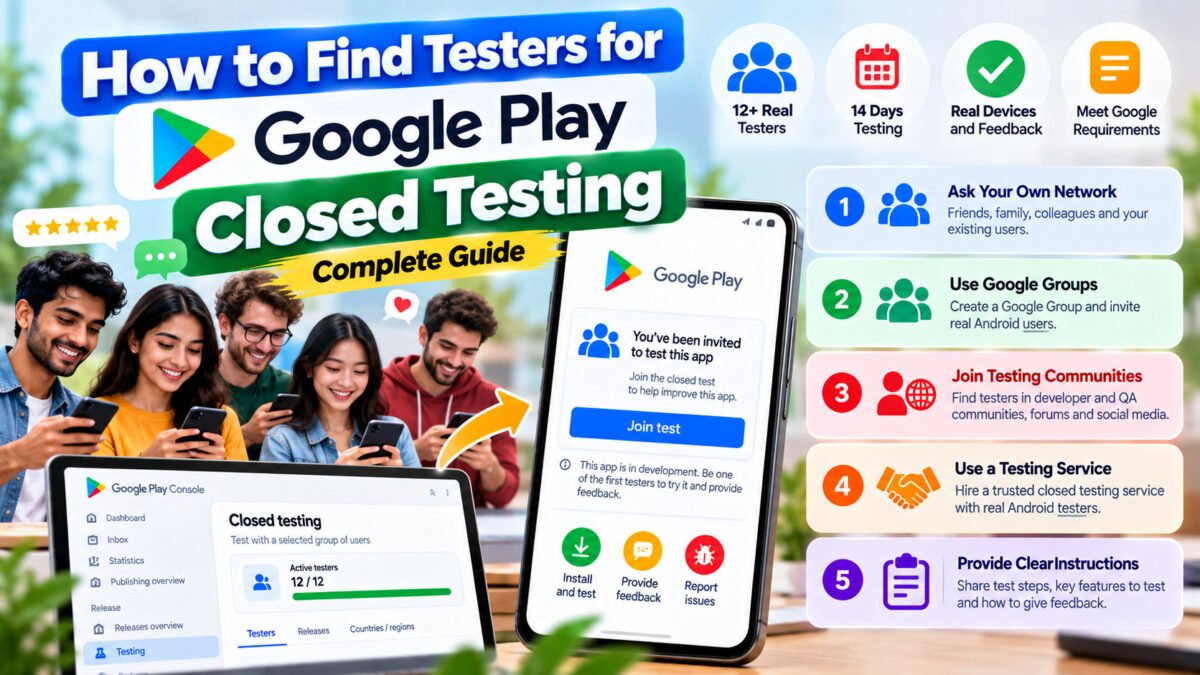
Finding testers is the part of Google Play closed testing that nobody warns you about. The technical setup takes an afternoon. Keeping 12 real people opted in for 14 straight days is what actually decides whether you publish this month.
This guide covers where testers come from, what each source really costs, and how to filter out the testers who will cost you your two-week window.
What counts as a real tester
Before choosing a source, be clear about the bar. A tester only counts if they:
- have their own Google account,
- accept your closed-test opt-in link,
- install the app through Google Play (not via an APK you sent them),
- keep it installed and stay opted in for the full window.
Emulators do not count. Shared accounts do not count. And testers who technically meet the criteria but never open the app are a risk at the production-access review stage, because engagement is visible to Google.
Source 1 — Your own network
Cost: free. Time: hours of chasing.
Colleagues, classmates, friends, family. The pitch has to be specific, because “install my app” gets ignored. Tell people exactly what is needed: accept this link, install from Play, keep it two weeks, do not uninstall.
Realistically, expect a 60–70% conversion from “yes I’ll do it” to “still opted in on day 14”. That means lining up 20 people to be safe at 12.
Source 2 — Developer communities
Cost: free. Time: high, with no guarantees.
Android developer subreddits, Discord servers, Slack groups and tester-exchange threads. Two things make these work better:
- Reciprocity. Offer to test their app first. People respond to developers who did the favour before asking.
- Specificity. State the device requirement, the deadline and the exact steps.
The risk is that exchange testers frequently treat it as a single install. They also tend not to respond when you need them to re-opt-in after a reset. If you use communities, keep a spreadsheet and re-check every few days.
Source 3 — Email lists and Google Groups
Cost: free. Time: low setup, unpredictable retention.
Play Console lets you add testers by email list or by Google Group. Groups are easier to maintain — you add a new tester’s email once and they can join every track you run, which is genuinely useful when you publish your second app and have to do the 14 days all over again.
Build your own group early. Every person who ever tested anything for you belongs in it. The second app is where that list pays for itself.
Source 4 — Paid tester platforms and testing services
Cost: money. Time: near zero.
Paid services supply testers who are used to the flow. What separates a good provider from an expensive one is monitoring: do they check the opted-in count every day, and do they act when somebody drops out?
At TesterPilot the campaign runs for the full 14 days with a daily streak check and a buffer above 12 so a single dropout does not reset your clock. Ask any provider these three questions before paying:
- How many testers do you actually maintain, and do you provide a buffer above 12?
- Who monitors the daily opted-in count, and when do you intervene?
- What happens if Google rejects the production request — is a retest included?
How to vet a tester before you count on them
You cannot interview 12 strangers, but you can look for these signals:
- They own an Android device and use it. Ask which phone. A tester who has to check is one who will not engage.
- They understand the commitment. Say “14 days, do not uninstall” out loud. Anyone who shrugs is a dropout.
- They respond to a message within a day. Response latency at recruitment predicts response latency at day 9, which is when you need them most.
- They are not part of a batch of identical accounts. Groups of accounts that install everything together look automated, and Google notices.
The retention playbook for the 14 days
Getting testers is half the job. Keeping them is the other half:
- Day 0: send the opt-in link with three numbered steps and the exact date you need them to stay until.
- Day 1: confirm every tester has installed. Chase the gap immediately — a tester who installs on day 3 shortens your window by two days.
- Day 4 and day 8: send an update. Ship a build, ask one question, thank them. Contact resets the relationship and drops out less.
- Day 11: final headcount check. If you are at 12, recruit replacements now, not on day 13.
- Day 14: thank them, tell them what you found, and invite them into your Google Group for the next app.
The single highest-leverage decision is starting with more than 12. Everything else in this guide is damage control; a buffer is prevention.
Next steps
Read how to get 12 testers for Google Play closed testing for the full end-to-end process, then how to add testers in Play Console to wire them up.
If finding testers is the part you would rather not do yourself, TesterPilot supplies 12+ real testers for the full 14 days — or ask us on WhatsApp what your app needs.