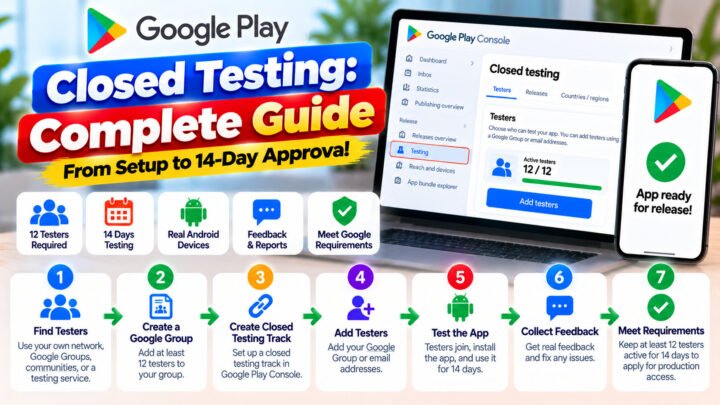









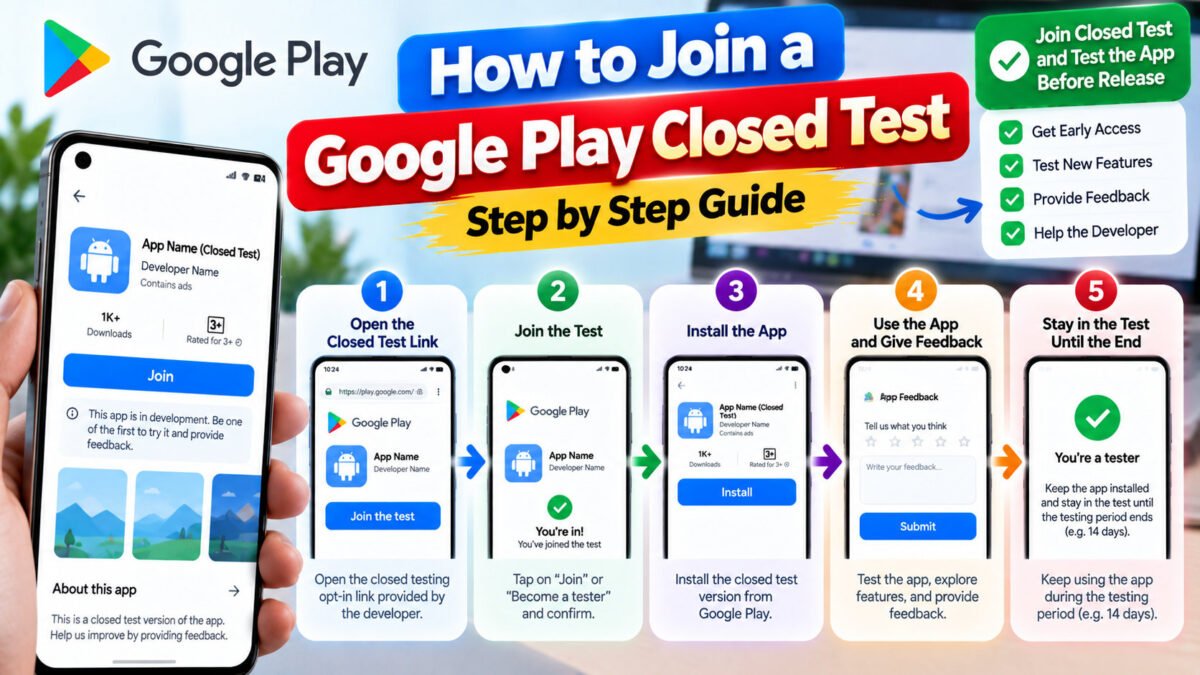
If a developer has sent you an invite to test their Android app, this is what to do — in the order that works. It takes about two minutes, and the last step is the one people forget.
Send this page to your testers. It answers the questions they will otherwise ask you individually.
What you will need
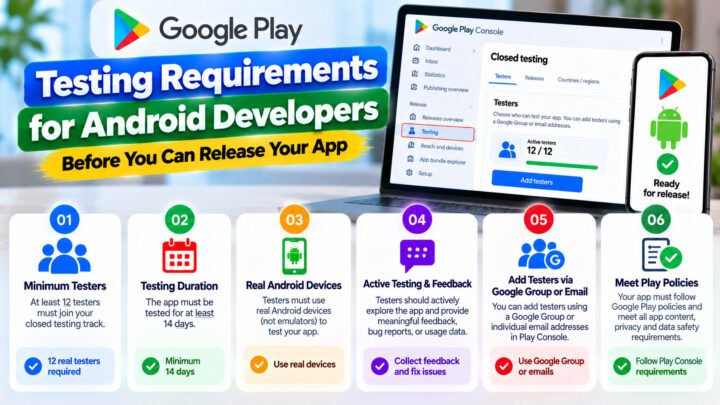
- An Android phone or tablet. Emulators do not count as testers.
- A Google account signed in on that device — the same one the developer invited.
- The opt-in link from the developer.
- About two minutes, once.
Step 1 — Open the opt-in link on the device
Open the link on the Android device itself, not on a desktop. It looks like:
https://play.google.com/apps/testing/<package.name>
For the link to work you must be signed in to Google Play with the same Google account the developer added to their tester list. If you opened the link on a computer, the Play Store will offer to send it to your phone — that works too.
Step 2 — Tap “Become a tester”
You will see a page explaining that this is a test version of the app, with a warning that it may be unstable. Tap Become a tester and confirm.
Step 3 — Install from Google Play
After opting in, the page shows a Download it on Google Play link. Use it. Install the app from the Play Store.
Do not install an APK the developer emailed you. Test installs have to come through Google Play for the test to count.
Step 4 — Open the app at least once
Launch it, sign in if asked, and tap around for a minute. An installed app that is never opened does not demonstrate anything, and developers can see engagement in their testing reports.
Step 5 — Keep it installed and stay opted in
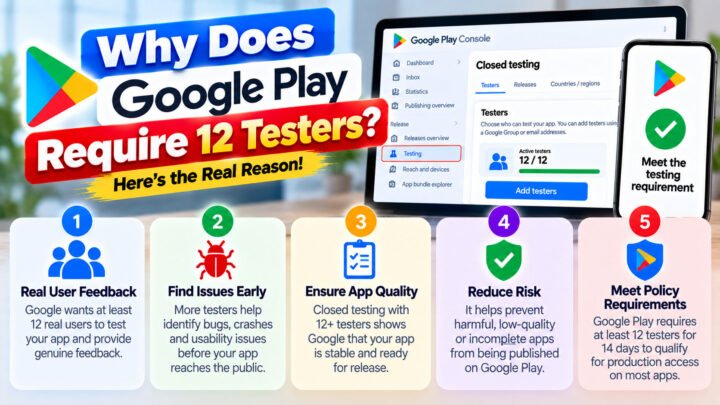
This is the part that matters most. The developer needs at least 12 testers opted in for 14 consecutive days. If you uninstall the app or leave the test before the developer says you are done, the count can drop below the threshold and their two-week clock restarts.
If you must uninstall, tell the developer first. They can usually replace you — but they need the warning.
Troubleshooting
“App not available” or “You are not a tester”
- You are signed in to a different Google account than the one that was invited. Switch accounts in the Play Store and reload the link.
- You were added to the list but the developer has not published a release to the track yet.
- Your country is not in the app’s testing countries.
- The developer removed you, or a typo in your email address prevented the invite.
The opt-in page loads but there is no install button
Give it a few minutes and reload. New test releases can take a short while to propagate to your account.
The app will not update
Open the Play Store listing for the app and pull to refresh. Test builds receive updates the same way as normal apps.
I left the test by mistake
Open the opt-in link again and tap Become a tester. Then open the app so your install registers.
Play Store says my device is not compatible
The developer has set a minimum Android version or device requirement. Tell them your Android version and phone model — that information is genuinely useful to them.
What a good tester does during the test
- Uses the app for a few minutes most days.
- Reports anything broken — screenshots help enormously.
- Mentions the device and Android version when something fails.
- Replies when the developer checks in.
Developers running a real closed test are looking for exactly this: what breaks, where, and on what hardware. A one-line report (“crashes when I add a photo on a Redmi Note 12”) is worth more than a page of praise.
For developers
If you are the one running the test, these are the pages you need:
- How to create a closed testing track
- How to add testers in Google Play Console
- The 14-day requirement explained
And if recruiting and keeping testers is the part you would rather hand over, TesterPilot supplies 12+ real testers who stay opted in for the full 14 days. See the plans or ask on WhatsApp.